A good WordPress maintenance provider does more than keep plugins updated. They help reduce the risk of website issues that can affect enquiries, customer confidence and day-to-day business operations.
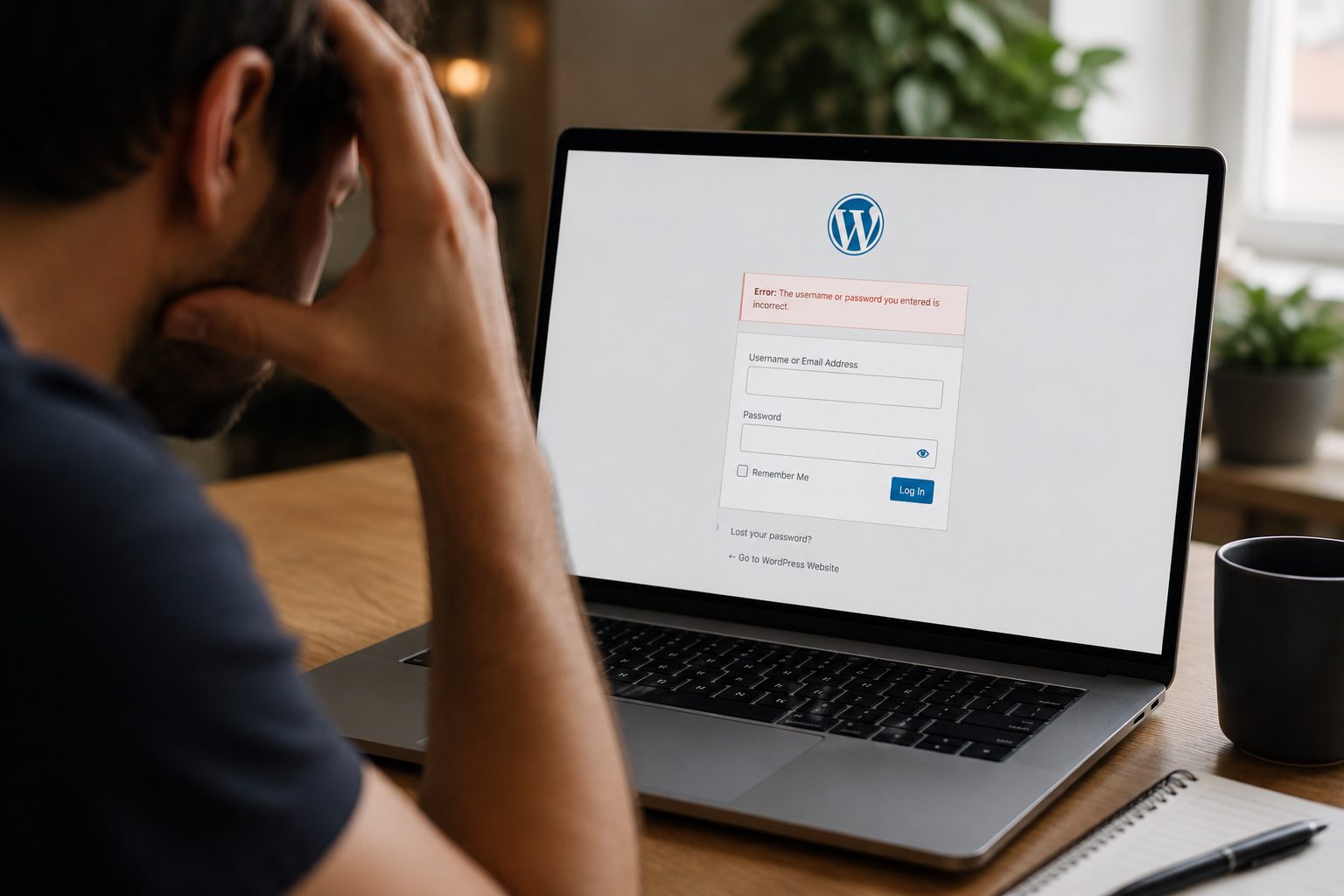
Many business owners only think about website maintenance when something breaks. A form stops working. The website becomes unusually slow. An update causes an unexpected error. By that stage, the problem is already affecting visitors and may have been present for days or even weeks.
The challenge is that not all maintenance providers offer the same level of support. Some focus on basic updates. Others take a proactive approach, monitoring website health, identifying risks early and helping businesses avoid avoidable disruption.
If you’re reviewing your current support arrangements or comparing providers for the first time, this guide explains what a WordPress maintenance provider should do, which services matter most and how to choose support that genuinely protects your website.
Why WordPress Maintenance Matters For Business Websites

Ignoring website maintenance can lead to security issues, downtime and performance problems that affect customer trust and enquiries.
A website is not a static business asset. WordPress, plugins, themes and integrations are constantly evolving. Without ongoing maintenance, compatibility issues, security vulnerabilities and performance problems can gradually build up.
For many businesses, the website supports:
- New customer enquiries
- Appointment bookings
- Marketing campaigns
- Product sales
- Customer service
When maintenance is neglected, common issues include:
- Broken contact forms
- Failed backups
- Plugin conflicts
- Website errors
- Slow page loading
- Security vulnerabilities
A common example is a plugin update creating a conflict with a form plugin. The website still appears normal, but enquiries stop arriving. Unless someone is actively monitoring the website, the problem may remain unnoticed until a customer complains or leads start dropping.
The technical issue is often minor. The business impact is not.
What Does A WordPress Maintenance Provider Actually Do?
A WordPress maintenance provider manages the ongoing tasks required to keep a website secure, updated and functioning correctly.
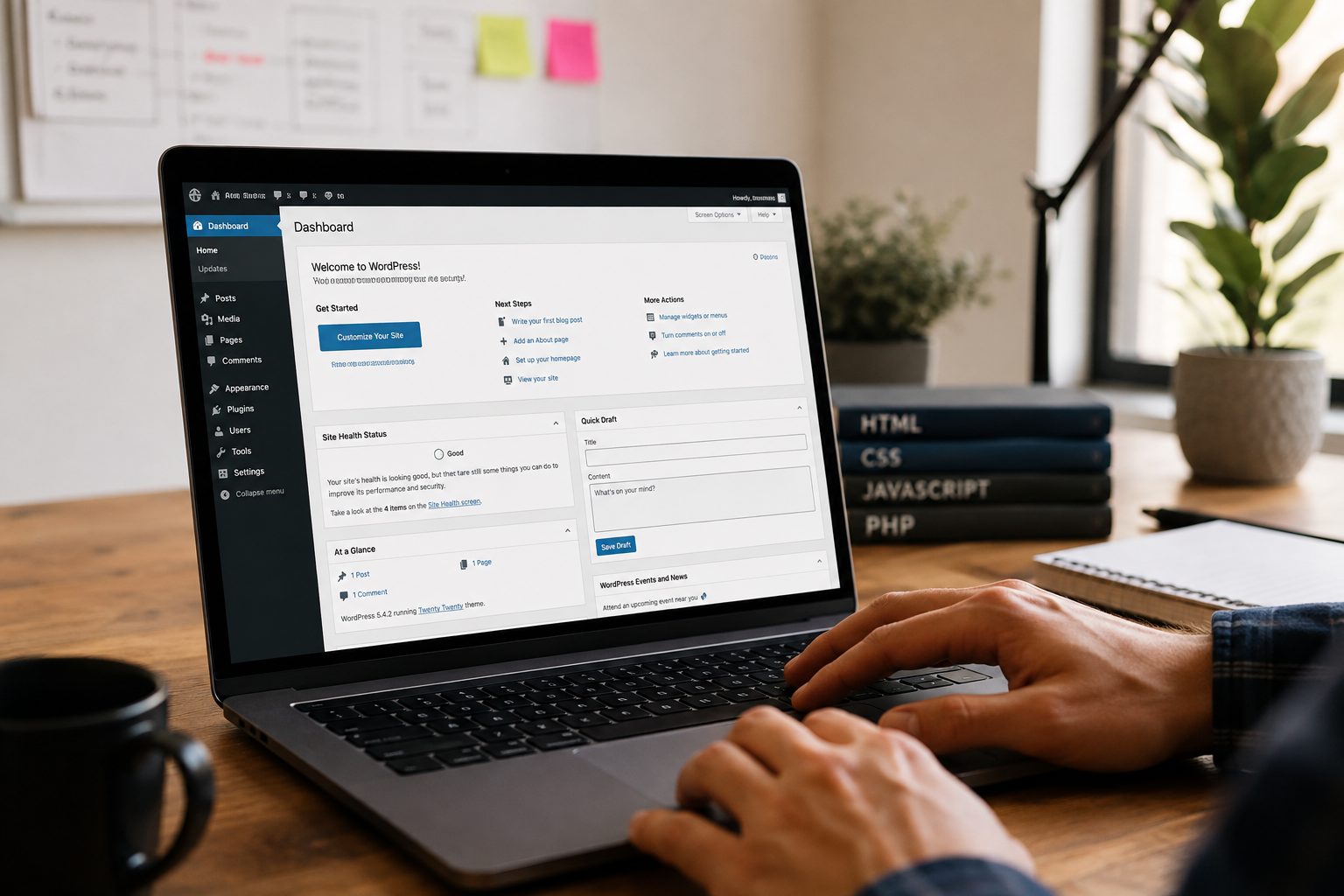
This typically includes WordPress core, plugin and theme updates, alongside regular backups, security monitoring, performance checks and overall website health monitoring. Most providers will also offer technical troubleshooting and support when issues arise, helping businesses resolve problems before they affect visitors or enquiries.
The key point is that maintenance is not simply about applying updates. Professional providers test and monitor websites to ensure everything continues working as expected after changes are made. An update that causes a plugin conflict, breaks a form or affects site performance can have a direct impact on user experience and lead generation.
Businesses comparing support options should look beyond a simple list of updates and review what is included within professional WordPress maintenance services.
The Difference Between Basic Maintenance And Proactive Website Care
Updating plugins alone is not the same as actively maintaining a website.
Many business owners assume maintenance means installing updates each month. In reality, that is only one part of the process.
Updating Is Not The Same As Managing
Some providers update plugins and move on.
The problem is that updates occasionally create new issues. A plugin may become incompatible with another plugin. A theme update may affect layouts. A WooCommerce update may impact checkout functionality.
Without testing and oversight, updates alone do not necessarily improve website reliability.
Why Monitoring Matters
Problems do not always announce themselves.
A form may stop submitting. A website may become slower over time. A third-party integration may fail without creating obvious warnings.
Monitoring helps identify these issues before customers encounter them.
Preventing Problems Before They Affect Customers
The strongest maintenance providers focus on prevention rather than reaction.
Rather than waiting for a business owner to report an issue, they actively monitor website health and investigate warning signs early.
That proactive approach often creates the biggest difference between a basic maintenance package and a genuinely valuable support service.
Key Services Every WordPress Maintenance Provider Should Offer
Every maintenance provider should offer a core set of services that support website security, performance and reliability.
1. WordPress Updates
WordPress core, plugins and themes should be reviewed and updated regularly to maintain compatibility and address known issues.
2. Security Monitoring
A provider should monitor for vulnerabilities, suspicious activity and potential security concerns that may require attention.
3. Website Backups
Reliable backups provide a recovery option if something goes wrong. Just as importantly, providers should have a clear process for restoring a website when required.
4. Performance Monitoring
Website performance should be reviewed regularly. Small performance issues often develop gradually and become more noticeable over time.
5. Technical Support
When problems occur, businesses need access to experienced support rather than spending valuable time trying to diagnose technical issues themselves.
Not Every Business Needs The Same Maintenance Plan

The right maintenance plan depends on how important your website is to your business operations.
A simple brochure website and a busy ecommerce store rarely have the same support requirements.
Small Business Websites
Most small business websites rely on enquiries, phone calls and contact forms.
Updates, backups, security monitoring and responsive support are usually the key priorities.
Businesses evaluating support options may also find our guide to WordPress maintenance for small businesses useful.
Lead Generation Websites
If your website generates enquiries, monitoring becomes increasingly important.
A form failure or tracking issue may not be immediately visible, but it can still affect business opportunities.
WooCommerce Stores
WooCommerce websites often require more proactive maintenance.
Checkout systems, payment gateways, stock integrations and customer accounts introduce additional complexity that requires regular oversight.
A small issue on a brochure website may be inconvenient. A checkout issue on an ecommerce website can affect sales immediately.
Agency Client Websites
Agencies often require reliable maintenance support across multiple client websites.
Consistency, communication and dependable response times become particularly important when managing websites on behalf of clients.
What To Look For In WordPress Support And Response Times
Fast support is often more valuable than businesses realise when critical website issues occur.
Many providers advertise support, but businesses should understand exactly what support includes before signing up.
Ask questions such as:
- How quickly are support requests acknowledged?
- Is emergency support available?
- What happens outside normal working hours?
- Which communication methods are available?
- Are response times documented?
Clear support processes are often a sign of a provider that understands the commercial importance of website reliability.
Understanding Reporting And Website Health Checks
A good maintenance provider should show what work has been completed and identify any ongoing risks.
Without reporting, it can be difficult to understand whether meaningful maintenance is taking place.
A useful monthly report should typically include:
- Completed updates
- Backup status
- Security checks
- Website health observations
- Performance summaries
- Issues identified
- Recommendations for improvement
Reporting creates transparency and helps businesses understand the value being delivered.
Red Flags To Watch Out For When Choosing A Provider
Some maintenance providers focus on low pricing rather than meaningful website protection.
Potential warning signs include:
- No regular reporting
- No backup testing process
- No website monitoring
- Vague service descriptions
- No support commitments
- Extremely low pricing without explanation
- Limited WordPress experience
- No WooCommerce expertise where required
A provider should be able to clearly explain what they do, why they do it and how they support clients when problems occur.
Questions To Ask Before Signing Up For A Maintenance Plan
Asking the right questions can quickly reveal whether a provider offers genuine support or simply basic updates.
Before making a decision, ask:
- What updates are included?
- How often is the website monitored?
- How are backups managed?
- What happens if an update causes an issue?
- What response times do you offer?
- Do you provide monthly reports?
- Is emergency support available?
- Do you support WooCommerce websites?
- How do you identify problems before visitors report them?
- Who performs the maintenance work?
If you’re actively comparing providers, our guide on how to choose the right WordPress maintenance service explores the evaluation process in greater detail.
How To Choose The Right WordPress Maintenance Provider For Your Business
The best provider is the one that matches your website’s requirements, risk level and support expectations.
Define Your Requirements
Start by understanding how important your website is to enquiries, sales and customer communication.
Compare Service Inclusions
Look beyond update lists. Compare monitoring, support, reporting, backups and website health checks.
Evaluate Support Quality
Communication, response times and technical expertise often have more impact than small differences in pricing.
Review Experience And Expertise
Look for providers with experience supporting websites similar to yours, particularly if you use WooCommerce or custom functionality.
Assess Reporting And Transparency
You should always understand what work has been completed and what recommendations have been made.
A provider that communicates clearly is often easier to work with over the long term.
Conclusion
Choosing the right WordPress maintenance provider is not about finding the cheapest monthly plan. It is about ensuring your website receives the level of support, monitoring and oversight it needs to remain reliable.
The strongest providers do more than apply updates. They help identify risks, monitor website health and provide practical support when issues arise.
If you are reviewing your current website support arrangements, look closely at what is actually included. Regular updates are important, but they are only one part of effective website maintenance.
Not sure whether your current maintenance plan provides enough protection? Review your website support arrangements now and identify any gaps before they become larger problems. If you would like a second opinion on your current setup, you can get started with a conversation about your website and support requirements.