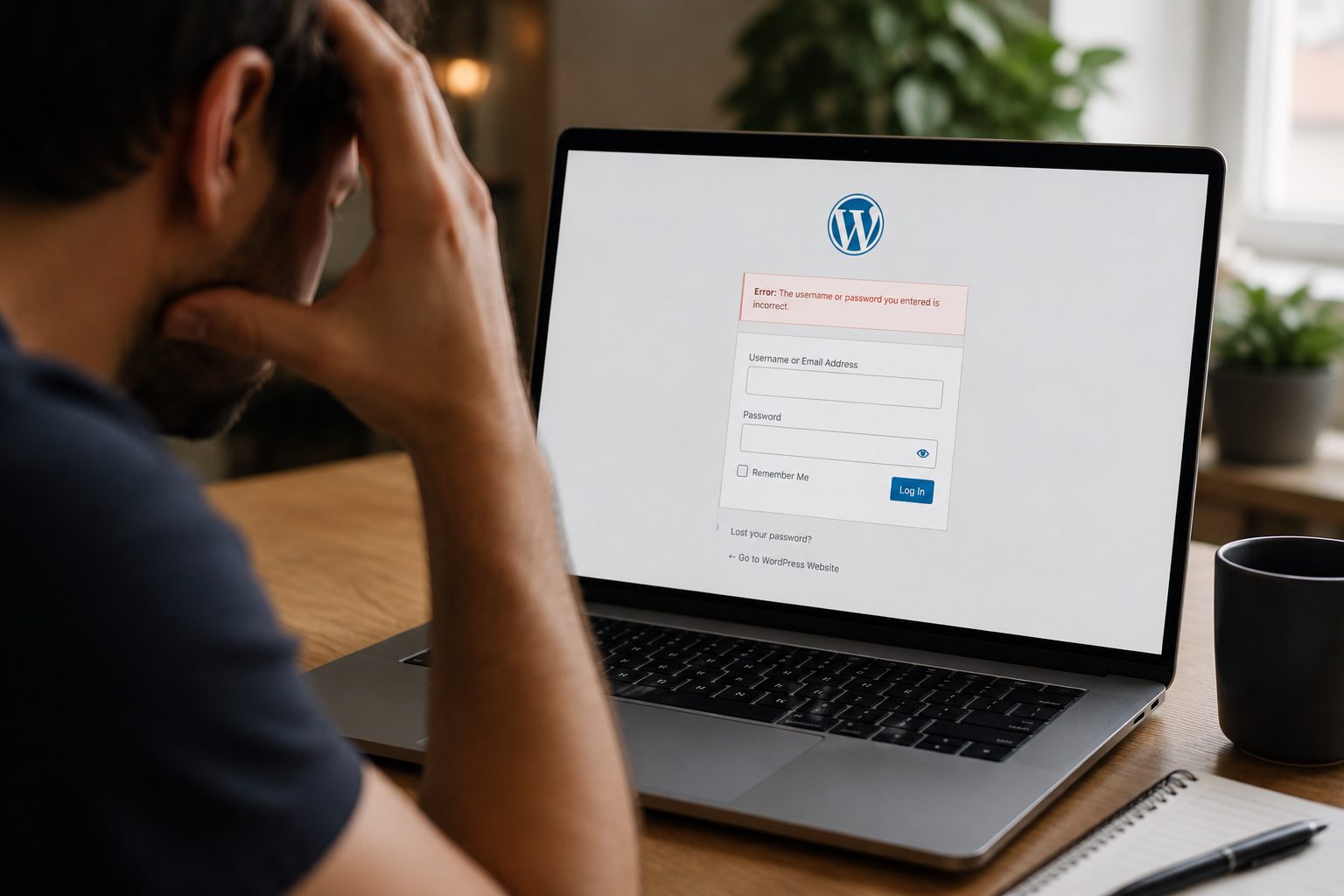
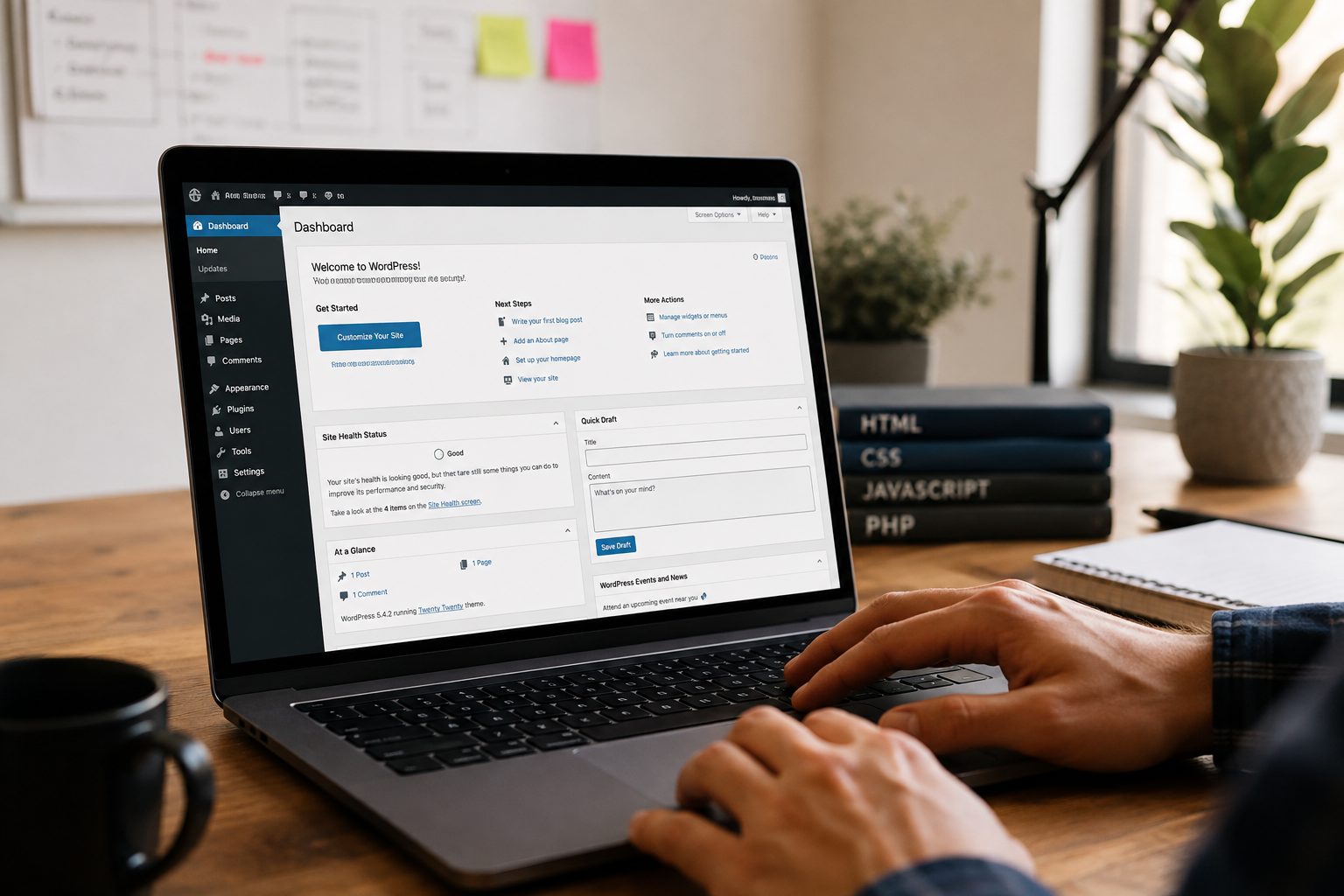
Running a business is hard enough without your website acting up. And yet, that’s exactly what happens for lots of small business owners who rely on WordPress. Things slow down, updates pile up, security starts to wobble and somehow, you’re the one meant to fix it. Sound familiar?
That’s where WordPress support services step in. These services take the faff and frustration out of website care, so you’re not constantly worrying whether your site is about to break or vanish altogether.
In this guide, we’ll go through what proper WordPress maintenance actually looks like, why it matters more than most people realise, and how to find the best WordPress maintenance service that won’t eat up your budget or your time.
What Do WordPress Support Services Include?

When people hear “WordPress support,” they often think of someone fixing their site after it’s already gone wrong. But the good ones don’t just react they keep problems from happening in the first place.
A proper WordPress maintenance plan tends to run quietly in the background, keeping things tidy, secure, and up to date without bothering you every five minutes. For most small business owners, that’s the ideal setup no tech panic, no late-night Googling, just peace of mind.
Here’s what’s usually part of the package:
- Daily or weekly backups so you’ve got a fallback if something breaks
- Security scans and malware removal to keep threats out
- Plugin and theme updates without breaking your site
- Core WordPress updates handled safely and properly
- Performance checks helping your site stay quick and responsive
- SSL monitoring to keep that all-important padlock in place
- Support access for when you need real help, not forums
Fly High Web’s WordPress maintenance service includes all of that and more without making it all sound like rocket science.
Why Ongoing Maintenance Is Worth It for Small Business Sites
Plenty of small business owners leave their websites untouched for months. If it loads and looks alright, that must mean it’s fine… right? Well, not quite.
Websites need regular attention to stay secure, speedy, and visible on search engines. A neglected WordPress site might slow to a crawl, throw up errors, or worse disappear from Google altogether. None of that’s good for business.
Say a potential customer clicks your link and it takes forever to load, or they land on a broken page. That’s not just annoying it can cost you the sale, and possibly that customer for good.
Then there’s the SEO side. Search engines tend to favour sites that run smoothly, load quickly, and stay secure. And if your competitors are keeping on top of things while you’re not? You can guess who shows up first in the results.
A managed WordPress service doesn’t just keep things ticking over it keeps your online reputation intact. And honestly, that’s not something you want to leave to chance.
Features That Matter Most for Small Businesses

Not every business needs a bells-and-whistles package. But there are a few features no small business should be without the kind that keep your site live, healthy, and working for you without needing to get your hands dirty.
Here’s what really makes a difference:
- Real-time uptime monitoring so you know instantly if your site goes down
- Responsive, human support not ticket systems that take days
- User-friendly dashboards clear, simple, and not packed with jargon
- Automatic backups so you’re never caught off guard
- Security updates and alerts handled before issues escalate
- Performance optimisation keeping things fast so people stick around
- Affordable WordPress support no long contracts or nasty surprises
If you’re picking between plans, look for those basics first. Anything else is a bonus. WordPress care plans for small business sites should feel like a safety net not an extra job.
What Small Businesses Often Get Wrong
Plenty of business owners mean well but with WordPress, a little guesswork can lead to big headaches.
For starters, ignoring updates might seem harmless. But outdated plugins or themes are like open doors for hackers. One dodgy update and suddenly, your contact forms stop working or worse your whole site goes offline.
Then there’s hosting. Choosing the cheapest option might save a few quid upfront, but slow servers and poor support can quietly damage your SEO and drive customers away.
And finally, there’s the DIY fix. Googling your way through errors might feel productive, but it’s rarely the best use of your time. You’re not running a web agency you’re running a business.
Safe to say, the most common mistake? Thinking you’ve saved money, only to end up paying more in stress, lost traffic, or hours you can’t get back.
How to Choose a WordPress Support Service That Fits Your Needs

With so many options out there, picking the right WordPress maintenance plan can feel like comparing phone contracts confusing, full of jargon, and easy to overpay for.
Here’s a simpler way to break it down:
Start with your own needs
- How often do you update your site?
- Do you need support during office hours or 24/7?
- Is your site just informational, or do people interact with it (forms, booking, shop)?
Then compare providers using this checklist:
| Must-Have | Nice-to-Have | Red Flag |
| Daily backups | Speed optimisation | Vague pricing |
| Plugin and theme updates | SEO tools | No clear support channels |
| Malware protection | Staging site for safe testing | Lock-in contracts |
| Uptime and performance monitoring | Monthly reports | No customer reviews or examples |
| Simple, human support | Content update help | “One-size-fits-all” approach |
At Fly High Web, every WordPress maintenance plan is shaped around what a small business actually needs not what sounds fancy on paper.
Final Thoughts on WordPress Support Services
Looking after your WordPress site shouldn’t feel like another job. And it definitely shouldn’t keep you up at night, wondering if it’s secure, up to date, or about to fall apart.
With the right support service in place, your website can quietly do what it’s meant to attract customers, bring in leads, and build trust without demanding your constant attention.
Whether you’re after peace of mind, better performance, or just fewer headaches, the benefits are pretty clear. Let someone else handle the tech.
Take a look at Fly High Web’s Get Started page to see how easy it can be to hand it all over.