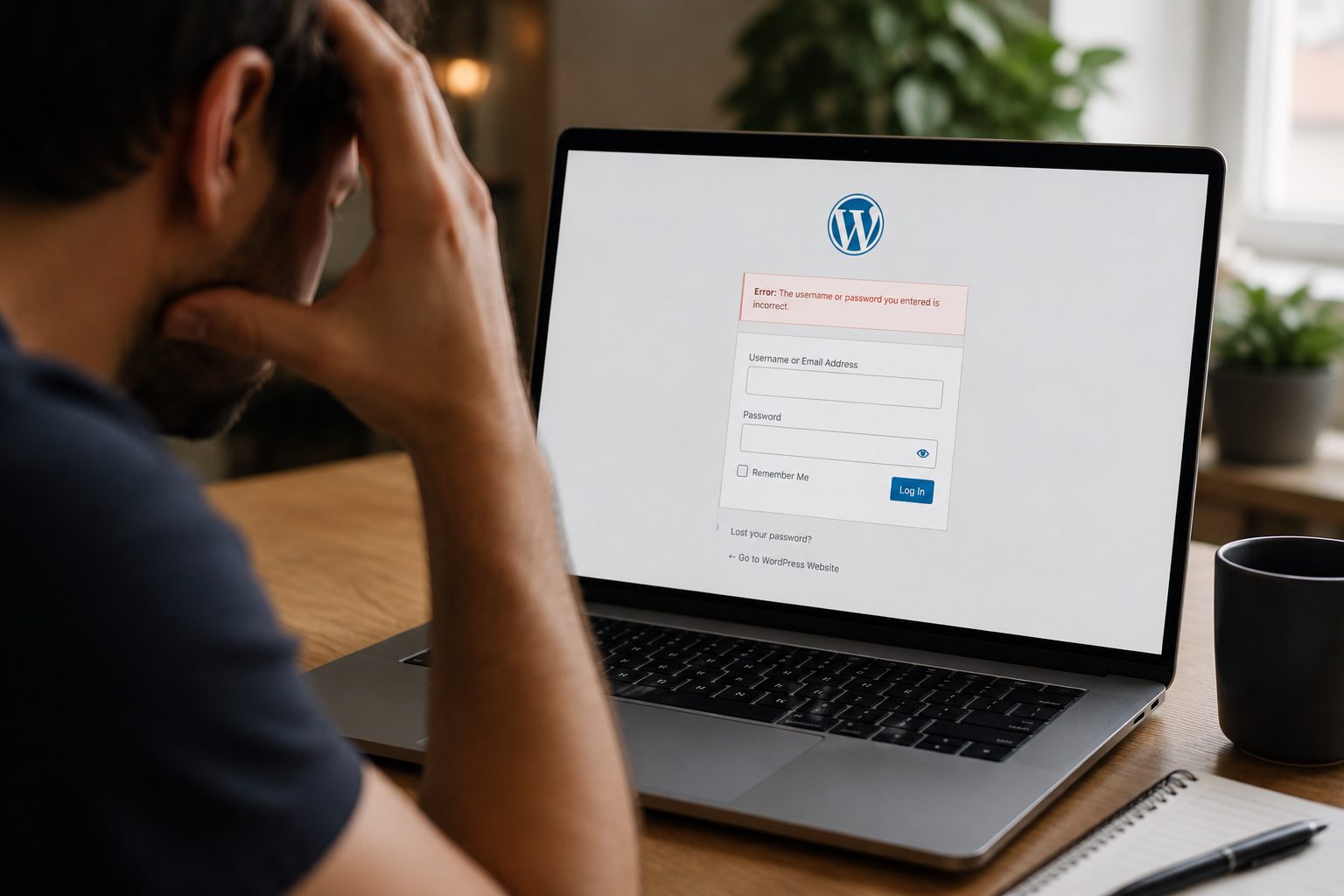
Many business owners are surprised when they discover their WordPress site has been hacked. There is often no alert, no obvious warning, and no sign that anything is wrong until customers start reporting issues or Google flags the site.
Most hacks are not personal and they are not targeted attacks. They happen quietly, automatically, and often long before anyone notices. This article explains how WordPress sites get hacked without warning and what usually causes it.
How WordPress Sites Get Hacked Without Warning

In most cases, hacking does not involve someone manually breaking into a single website. Automated tools scan thousands of sites at once, looking for known weaknesses.
If your site has one of these weaknesses, access can happen in seconds. The hacker may never visit your site in a browser, which is why there is often no visible sign at first.
This is why regular website tech support matters. Many attacks rely on issues that could have been prevented through basic upkeep.
The Most Common Entry Points Hackers Use
Hackers usually enter WordPress sites through existing openings rather than creating new ones.
Common entry points include:
- Outdated plugins or themes
- Old versions of WordPress itself
- Weak login details
- Poorly configured hosting
Once inside, attackers often hide their activity to avoid being detected.
Why Small WordPress Sites Are Frequent Targets
Small business websites are hacked more often than large ones. This is not because they are valuable, but because they are easier targets.
Smaller sites are more likely to:
- Miss updates
- Reuse passwords
- Skip security checks
- Go long periods without monitoring
Automated attacks do not care about business size. They simply exploit whatever is easiest to access.
Outdated Plugins, Themes, and Core Files
Outdated software is one of the most common causes of WordPress hacks.
When updates are released, security issues are often fixed publicly. Hackers use this information to scan for sites that have not updated yet.
A plugin that worked fine last year can quietly become a risk if it is no longer maintained or updated. The same applies to themes and WordPress core files.
Weak Logins and User Access Issues
Simple or reused passwords make it easier for attackers to gain access.
Admin accounts with weak credentials are especially risky. Old user accounts that are no longer needed can also be exploited if left active.
Limiting who has access and keeping login details secure reduces one of the most common risks.
How Malware Gets Injected Without Being Noticed

Once access is gained, malware is often added in a way that stays hidden.
It may be placed inside existing files or injected into the database. This allows it to run quietly in the background, redirect visitors, or send spam without obvious changes to the site.
Because the site still appears to work, the issue can remain unnoticed for weeks or even months.
Early Signs a WordPress Site Has Been Hacked
Hacks rarely announce themselves clearly, but there are subtle signs to watch for.
These can include:
- Unexpected redirects
- Slow performance without explanation
- Warnings from browsers or search engines
- Strange new pages appearing
- Emails from hosting providers
Often, the first warning comes from Google or a customer rather than the site owner.
What Happens After a WordPress Site Is Compromised
Once compromised, a site may be used to spread spam, host malicious files, or redirect traffic elsewhere.
Search engines may flag the site as unsafe, which damages trust and visibility. Hosting providers may suspend the site to protect other customers.
Cleaning up a hacked site usually takes longer and costs more than preventing the issue in the first place.
How to Reduce the Risk of Your WordPress Site Being Hacked
No site can be completely risk-free, but most attacks are preventable.
Regular updates, strong passwords, limited user access, backups, and security monitoring all reduce exposure. Keeping plugins and themes lean also helps by reducing potential entry points.
Consistent care keeps your site less visible to automated attacks and easier to recover if something goes wrong.
If you are unsure how secure your site currently is, you can request a free website audit from Fly High Web and get a clear picture of any risks without technical jargon.