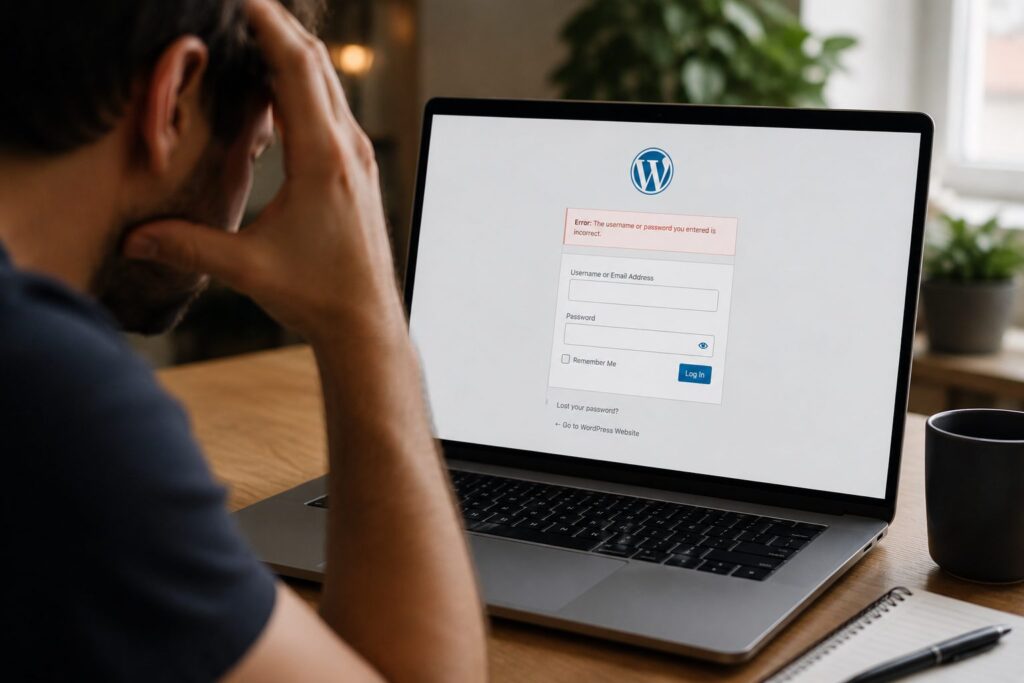
For small businesses in the UK, a website is often the first point of contact with customers. A neglected site can harm your reputation, affect search rankings, or even expose you to security risks.
Regular WordPress maintenance helps keep things running smoothly, so your site continues to support your business without unexpected issues.
What Is WordPress Maintenance?
 WordPress maintenance means taking care of the essential tasks that keep your website safe, fast, and up to date. These tasks include software updates, backups, performance monitoring, and security checks. Without regular attention, your site may start to slow down, experience errors, or become vulnerable to attacks.
You can learn more about how it works on our WordPress maintenance page.
Why It Matters for UK Small Businesses
Your website is often the heart of your online presence. If it goes offline, loads slowly, or contains outdated content or features, it can put off potential customers. Worse still, security vulnerabilities can result in data breaches or lost sales.
By staying on top of updates and running regular checks, small businesses can:
- Maintain fast page load speeds
- Keep the site secure from malware or hacking attempts
- Avoid plugin or theme conflicts
- Build trust with visitors through a smooth, reliable experience
In short, maintenance helps protect the investment you’ve made in your website.
Key Maintenance Tasks Explained
Several important tasks go into maintaining a WordPress website:
- Updating WordPress core files to stay protected against known issues
- Keeping plugins and themes current so your site doesn’t break or slow down
- Creating regular backups in case anything goes wrong and a restore is needed
- Monitoring for security threats and suspicious activity
- Testing site speed and performance to make sure visitors don’t bounce
- Fixing broken links to keep navigation smooth and SEO strong
- Removing spam comments to keep your site looking clean and professional
Each of these steps plays a part in keeping your site reliable and secure.
DIY vs Professional Maintenance

Some small business owners try to manage their site themselves using tutorials and plugins. That might work at first, but as the site grows or issues become more complex, problems can stack up quickly.
Doing it yourself means you’ll need to:
- Set aside time regularly for updates and checks
- Learn what to do when errors appear after updates
- Find and use trusted tools for backups and security
Hiring a professional frees you from that workload. You get peace of mind knowing your site is being looked after by someone who knows what to look out for and how to fix problems quickly if they arise.
How to Choose a UK WordPress Maintenance Provider
If you decide to hand over your site care to a specialist, look for a UK-based provider who understands the needs of small businesses. A good provider will:
- Offer clear and honest pricing
- Provide support in your time zone
- Include daily backups and fast recovery options
- Proactively monitor your site’s performance and security
- Communicate clearly when updates are done or issues are found
You want a partner who keeps things simple and doesn’t try to upsell you services you don’t need.
WordPress maintenance might not be the most exciting part of running a small business, but it’s one of the most important. A healthy, well-maintained site reflects well on your business and helps it run without interruption.
If you’re looking for reliable WordPress maintenance in the UK, get started with Fly High Web today.

Jess Simpson is an SEO Executive at Fly High Web, specialising in search engine optimisation, content strategy and social media marketing. She has hands-on experience in technical SEO audits, keyword research, content development and managing social media content across platforms such as Instagram and LinkedIn. Using industry tools including Ahrefs, Google Analytics 4 and Google Search Console, Jess helps businesses improve their organic visibility, strengthen their online presence and connect with their target audience.