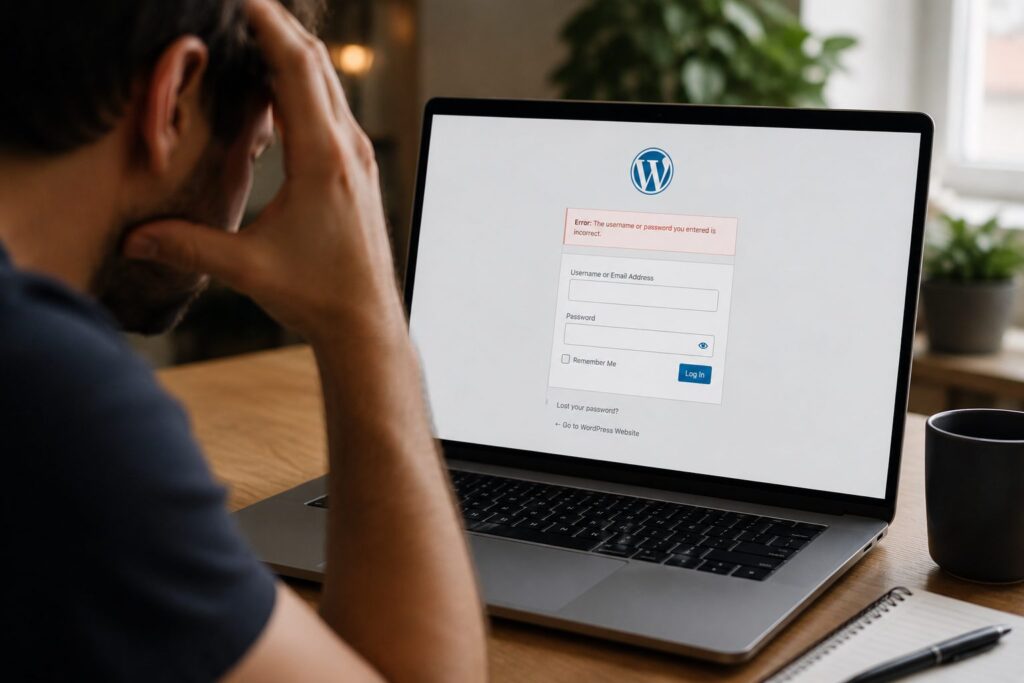
Running a WooCommerce store can feel like a constant juggle. You’ve got orders coming in, marketing to manage, and products to update. But all it takes is one broken checkout or a slow page to frustrate customers and miss out on sales.
That’s where WooCommerce maintenance comes in. It’s not just about fixing errors it’s about keeping your site healthy, secure, and working as expected. Below are practical, DIY-friendly tips to help you stay on top of your WordPress eCommerce upkeep. And if it ever gets too much, help is always available.
Why WooCommerce Maintenance Matters

When your store’s your business, performance issues can hit hard. Slow load times increase cart abandonment. Broken links hurt trust. A payment error at checkout? That could be the sale that got away.
WooCommerce maintenance helps prevent these problems. It’s about keeping your site lean, fast, and secure, day after day not just waiting for something to break. Good maintenance means better customer experiences and fewer nasty surprises.
Keep Plugins and Themes Updated
Outdated plugins and themes are a top cause of store instability and security risks. Regular updates help maintain WooCommerce store performance and prevent new features from clashing.
Where possible, test updates in a staging environment before pushing them live. This helps you catch any conflicts without impacting your shoppers. And remember if a plugin hasn’t been updated in a year or more, it may be time to find an alternative.
Back Up Your Store Regularly
Things go wrong. Having backups means you can bounce back.
Back up both your site files and your database. Files cover your layout and media; the database stores your orders, customer info, and products.
Daily or weekly backups are a good rule, and always back up before installing new plugins or updates. Most hosting providers offer this, or you can use a plugin like UpdraftPlus.
Monitor Site Speed and Performance

Speed sells. A fast-loading store keeps people browsing and buying. Use tools like GTmetrix or Google PageSpeed Insights to monitor load times and identify bottlenecks.
Common fixes include compressing large images, minimising JavaScript, and using caching plugins; all simple ways to speed up WooCommerce store pages and improve user experience.
Check for Broken Links and Errors
Dead links frustrate users and harm SEO, but tools like Broken Link Checker or Screaming Frog can scan for issues.
Fixing broken product links, missing images, or 404 errors helps keep your store polished and trustworthy. It’s a quick way to improve both user confidence and your site’s ranking.
Secure Customer Data
Customers want a secure WooCommerce checkout experience. That means running regular malware scans, keeping SSL certificates valid, and using strong passwords and user roles.
One thing to ensure is that checkout pages are encrypted and GDPR-compliant. Data breaches don’t just cause downtime they damage reputations.
Test Checkout and Payment Functions
Your checkout process needs to work, every time, so run a test transaction now and then. Add a random product to the cart, apply a discount code, select shipping see how it flows.
Fixing WooCommerce errors early, before customers run into them, supports customer satisfaction. If you’ve recently added new plugins or changed gateways, double-check everything still runs smoothly.
Review Product Pages and Inventory
Fresh product pages help both shoppers and search engines. Update out-of-stock notices, fix typos, remove outdated promotions, and keep pricing accurate.
Check product images on mobile, too. A clean, current listing builds trust and helps customers complete purchases.
Maintaining your WooCommerce site doesn’t need to be technical or overwhelming. With regular attention, you can prevent problems before they affect your customers.
From backups to speed tests, small actions make a big difference. Start simple. Review your store once a week. And when it becomes too much to manage alone, get started with expert support.
WooCommerce site management isn’t just a backend task it’s smart business.

Jess Simpson is an SEO Executive at Fly High Web, specialising in search engine optimisation, content strategy and social media marketing. She has hands-on experience in technical SEO audits, keyword research, content development and managing social media content across platforms such as Instagram and LinkedIn. Using industry tools including Ahrefs, Google Analytics 4 and Google Search Console, Jess helps businesses improve their organic visibility, strengthen their online presence and connect with their target audience.