A WordPress website can appear to be working perfectly while small problems develop behind the scenes. Plugins become outdated, backups fail, contact forms stop sending messages and pages gradually become slower.
Regular maintenance helps identify these issues before they cause avoidable disruption.
This does not mean maintenance can prevent every technical fault or security problem. Its value comes from reducing unnecessary risks, keeping the website under review and creating a recovery plan when something does go wrong.
For a business owner, WordPress maintenance is not simply about clearing update notifications. It is about protecting the website that supports your enquiries, sales, bookings and customer communication.
This guide explains why WordPress maintenance is important, what can happen when it is ignored and when professional support may be more practical than managing everything yourself.
Why WordPress Maintenance Is Important
Regular WordPress maintenance helps protect your website from security risks, unexpected problems and declining performance, allowing your business to operate more reliably.
WordPress websites depend on several connected parts. WordPress core provides the main platform, while themes control the design and plugins add features such as forms, payments, bookings and analytics.
Each part changes over time.
Developers release updates, hosting environments evolve and external services change how their integrations work. A website that receives no ongoing attention can gradually become less stable or more difficult to manage.
The problem is that the warning signs are not always obvious.
A website can look healthy while an outdated plugin creates a hidden concern. A contact form can display a success message without delivering the enquiry. A backup system can report that it has run without anyone checking whether the website can actually be restored.
Maintenance creates a routine for checking these areas before they become urgent.
It protects the value of the website by helping it continue doing the job it was built to do. That could mean generating leads, taking payments, sharing important information or supporting existing customers.
The aim is prevention rather than perfection. You are reducing avoidable risks and giving the business a clearer response when an issue appears.
Protecting Your Website From Security Threats
Keeping WordPress maintained services helps reduce the likelihood of known vulnerabilities being left unresolved.
WordPress itself is regularly updated, as are the themes and plugins used to build individual websites. Some updates introduce features, while others address bugs, compatibility concerns or security weaknesses.
When an update resolves a known vulnerability, leaving the older version installed can create an unnecessary risk.
Abandoned plugins deserve particular attention. A plugin that is no longer maintained by its developer may continue working for some time, but it may not receive important fixes or remain compatible with newer versions of WordPress.
Regular maintenance provides an opportunity to review whether each plugin is still needed and actively supported.
Website security also involves more than software updates. Administrator accounts should be reviewed, especially when employees, freelancers or previous agencies no longer need access. Login activity and unexpected website changes may also need investigation.
Security monitoring cannot guarantee that a website will never be compromised. What it can do is improve awareness and lower the risk of preventable issues remaining unnoticed.
A calm, preventative approach is more useful than fear-based security messaging. Keep software current, remove what is no longer needed and make sure someone is responsible for responding to warnings.
Keeping WordPress, Plugins and Themes Up to Date
Regular updates improve compatibility, security and stability, but they should always be managed carefully.
Clicking “update” is easy. Knowing what to check before and after the update requires more judgement.
A WordPress website may use plugins from several different developers. One could manage the contact form, another the page layout and another the website cache. An update to one component may occasionally affect how another behaves.
This does not mean updates should be avoided. Delaying them for long periods can make the website harder to maintain and may leave known issues unresolved.
A safer process starts with a recent backup. Significant updates can then be tested away from the live website where a staging environment is available.
After updating, important user journeys should be checked. The homepage may look correct while a booking form, checkout page or mobile menu has stopped working.
Professional maintenance adds value by making those checks part of a routine rather than relying on update notifications alone. Fly High Web’s WordPress maintenance service supports ongoing updates, monitoring and website health checks for businesses that do not want to manage the technical process themselves.
The key is controlled maintenance. Apply updates regularly, keep a recovery point available and confirm that the website still works afterwards.
Improving Website Performance and Speed
Routine maintenance helps prevent websites gradually becoming slower by identifying issues before they affect visitors.
A website often changes significantly after launch. New pages are created, images are uploaded, plugins are installed and third-party tools are added.
Each change may add more work for the website.
Large images can increase page size. Unnecessary plugins may load scripts or make database requests. Old revisions and temporary information can build up in the database. Caching settings may stop working as expected after other changes.
Regular maintenance provides an opportunity to review this growth.
Images can be resized or compressed where appropriate. Unused plugins and themes can be removed. Database housekeeping can be completed carefully, and caching can be checked.
Maintenance does not guarantee a fast website. Performance also depends on hosting, website design, development quality and external services.
It does, however, help prevent small issues from accumulating without review.
The practical goal is not a perfect score in a testing tool. It is a website that loads consistently, responds well on mobile devices and allows visitors to complete important actions without unnecessary delays.
When performance declines, investigate the cause before installing another optimisation plugin. Adding more software rarely solves an underlying hosting, image or development problem.
Reducing Downtime and Unexpected Website Issues
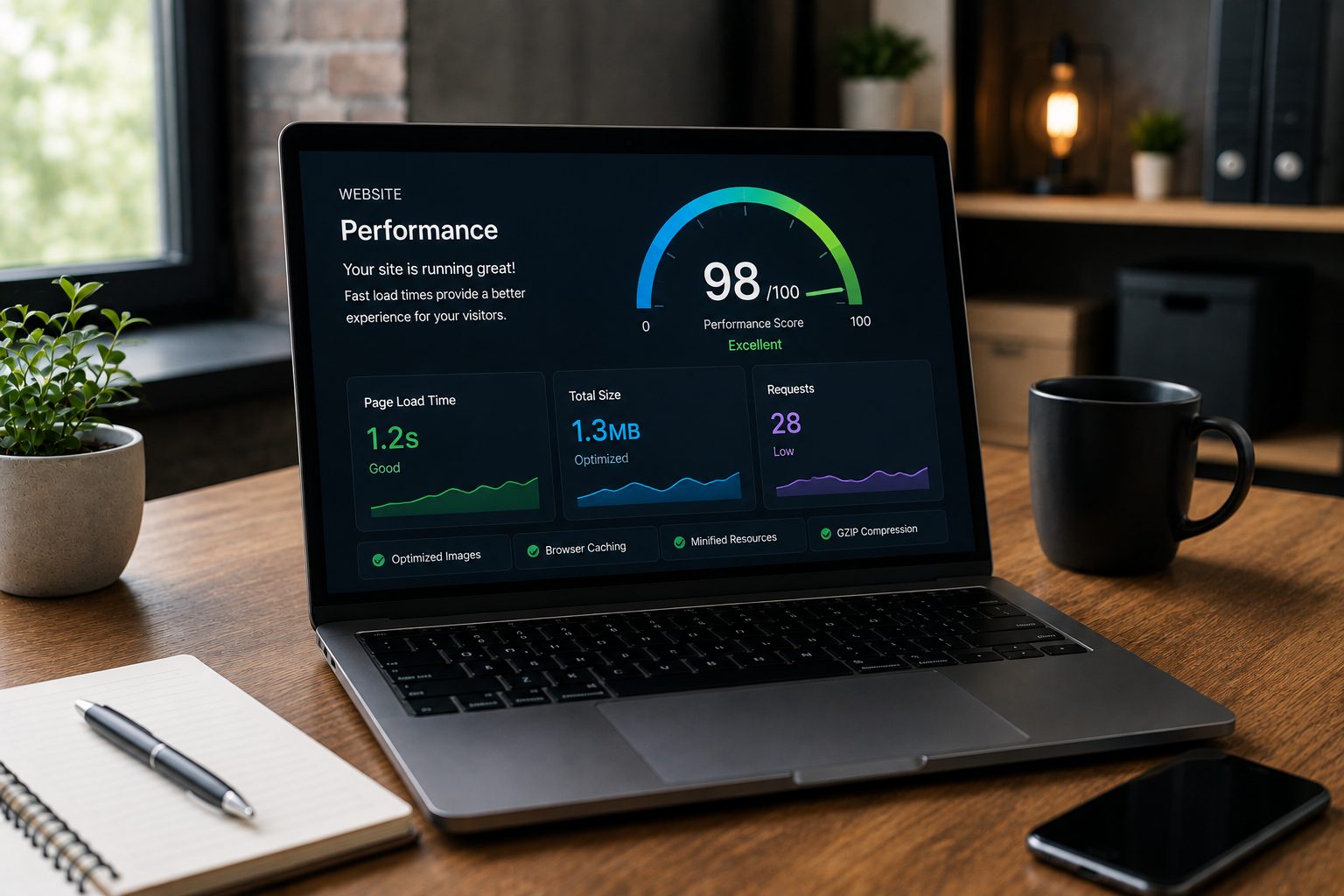
Regular maintenance reduces the likelihood of unexpected website issues disrupting your business.
Not every website problem means the entire site goes offline. Partial faults can be just as disruptive because they are easier to miss.
A contact form may stop delivering enquiries after an incompatible update. A payment extension may fail while the rest of an online shop continues working. A broken redirect may prevent visitors reaching an important service page.
From the website owner’s perspective, everything can appear normal.
This is why maintenance should include testing, not only updates.
Important forms, navigation, checkout journeys, booking systems and calls to action should be reviewed regularly. Monitoring can also alert the website owner when the site becomes unavailable or a technical warning appears.
Working through changes one at a time makes problems easier to diagnose. Updating several plugins at once and leaving without checking the website can make it difficult to identify which change caused an issue.
Our guide to how WordPress maintenance services prevent downtime explains this preventative process in more detail.
Maintenance cannot promise uninterrupted availability. It can help lower the risk of avoidable faults and make it easier to respond when a problem occurs.
Why Regular Backups Matter
Backups provide a recovery point if something goes wrong, but they are only valuable if they can be restored successfully.
A complete WordPress backup usually needs to include both the website files and its database. The files contain themes, plugins and uploaded media, while the database stores much of the content, settings and user information.
Many hosting providers offer automatic backups, but it is important to understand how the service works.
How frequently are backups created? How long are they retained? Are copies stored separately from the main website? Is restoration included or charged separately?
The right schedule depends on how often the website changes.
A small brochure website may change only a few times each month. A WooCommerce store could receive new orders and customer activity throughout the day. Restoring an older copy of that store could remove recent information.
Backups should also be checked occasionally. A message confirming that a backup completed does not prove that every required file has been captured or that the recovery process works correctly.
This is where maintenance supports business continuity. It gives the business a planned route back to a working website rather than forcing it to understand backups during an emergency.
The best time to learn how restoration works is before it is needed.
Helping Your Website Deliver a Better User Experience
Maintenance helps visitors enjoy a smoother, more reliable experience by reducing errors and keeping important website features working correctly.
Visitors judge what they can see and use. They do not know whether a problem was caused by a plugin, the hosting environment or an update.
A broken menu creates confusion. A slow page creates frustration. A form that fails to send may make the business appear unresponsive.
Mobile usability also changes as content and features are added. A new banner may look correct on a desktop screen but cover important text on a phone. An update may alter the position of a button or affect how a menu opens.
Regular reviews help identify these problems.
Look at the website as a visitor would. Check key pages on desktop and mobile devices. Follow the main navigation, submit forms and review the path a customer takes towards an enquiry or purchase.
This is particularly important after updates or design changes.
Good maintenance does not continually redesign the website. It helps preserve the usability of the design already in place.
The result is a website that feels cared for and dependable. That supports customer confidence without relying on exaggerated claims about conversions or search rankings.
Saving Time and Reducing Long-Term Costs
Preventative maintenance will often be more manageable than repairing several problems after they have been ignored.
Emergency website work can involve more than fixing one fault.
A developer may first need to identify how the website was built, review months of outstanding updates, create a safe backup and work out which plugins are still supported. Only then can the original problem be addressed.
The business may also spend time responding to missed enquiries, explaining checkout issues to customers or rearranging marketing activity while the website is unavailable.
Regular maintenance spreads the work into smaller, controlled tasks.
Updates are handled before they accumulate. Backups are checked before a recovery is needed. Old plugins are reviewed before they become difficult to replace.
This does not mean every maintenance plan will save a specific amount of money. The cost depends on the website and the problem involved.
The value lies in reducing uncertainty.
A predictable maintenance cost is easier to plan for than an urgent repair with an unknown cause. It also means the business owner spends less time trying to diagnose technical issues instead of focusing on their customers.
Most serious website problems do not appear without warning. They often develop from smaller tasks that were delayed because the website seemed fine.
Should You Manage WordPress Maintenance Yourself or Outsource It?
Managing WordPress yourself is possible, but it requires time, technical confidence and ongoing attention.
A small, straightforward website may be manageable without professional support. WordPress allows you to review updates, create content and complete many basic tasks through its dashboard.
Doing the work yourself can reduce monthly costs and give you direct control.
The difficulty is maintaining a consistent routine.
Updates are easy to postpone when the website appears to work. Backups may run without being checked. Forms may only be tested after someone reports a problem.
You also need to know when to stop. Editing theme files, databases or server settings without a backup or clear understanding can turn a manageable issue into a larger one.
Outsourcing may make sense when the website:
- Generates regular enquiries or sales
- Accepts payments or bookings
- Uses several plugins and integrations
- Has no internal technical owner
- Takes too much time to maintain confidently
This is one area where a short list helps clarify the decision. The website does not need to be large to be business-critical.
A useful middle ground is to manage content internally while outsourcing technical updates, backups, monitoring and recovery. That allows the business to retain day-to-day control without taking responsibility for every technical risk.
Frequently Asked Questions About WordPress Maintenance
Why Is WordPress Maintenance Important?
WordPress maintenance is important because the software, plugins, themes and services connected to your website continue to change after launch.
Routine checks help keep these parts compatible, identify issues early and provide a recovery route when something goes wrong.
The business value comes from reducing avoidable disruption rather than simply keeping the dashboard tidy.
A free website audit can help you understand whether your WordPress website is up to date, being maintained effectively and showing issues that need attention.
Protect Your Business Through Preventative Maintenance
WordPress maintenance matters because your website does not operate in isolation. Its software, hosting, plugins and integrations continue to change throughout its working life.
Ignoring those changes may not cause an immediate problem. The website can appear healthy while small faults, compatibility concerns and maintenance gaps develop in the background.
A preventative routine gives those issues less opportunity to grow.
Updates are managed carefully. Backups provide a recovery route. Forms and customer journeys are tested, while performance and security concerns are reviewed before they become urgent.
You can manage a straightforward website yourself when you have the time and confidence to do so. Professional support becomes more valuable when the website is central to your enquiries, sales or customer service.
Whichever approach you choose, make sure maintenance has a clear owner. Consistent care is far more useful than waiting for a problem to force the business into an emergency repair if interest in WordPress maintenance get started today.

Jess Simpson is an SEO Executive at Fly High Web, specialising in search engine optimisation, content strategy and social media marketing. She has hands-on experience in technical SEO audits, keyword research, content development and managing social media content across platforms such as Instagram and LinkedIn. Using industry tools including Ahrefs, Google Analytics 4 and Google Search Console, Jess helps businesses improve their organic visibility, strengthen their online presence and connect with their target audience.