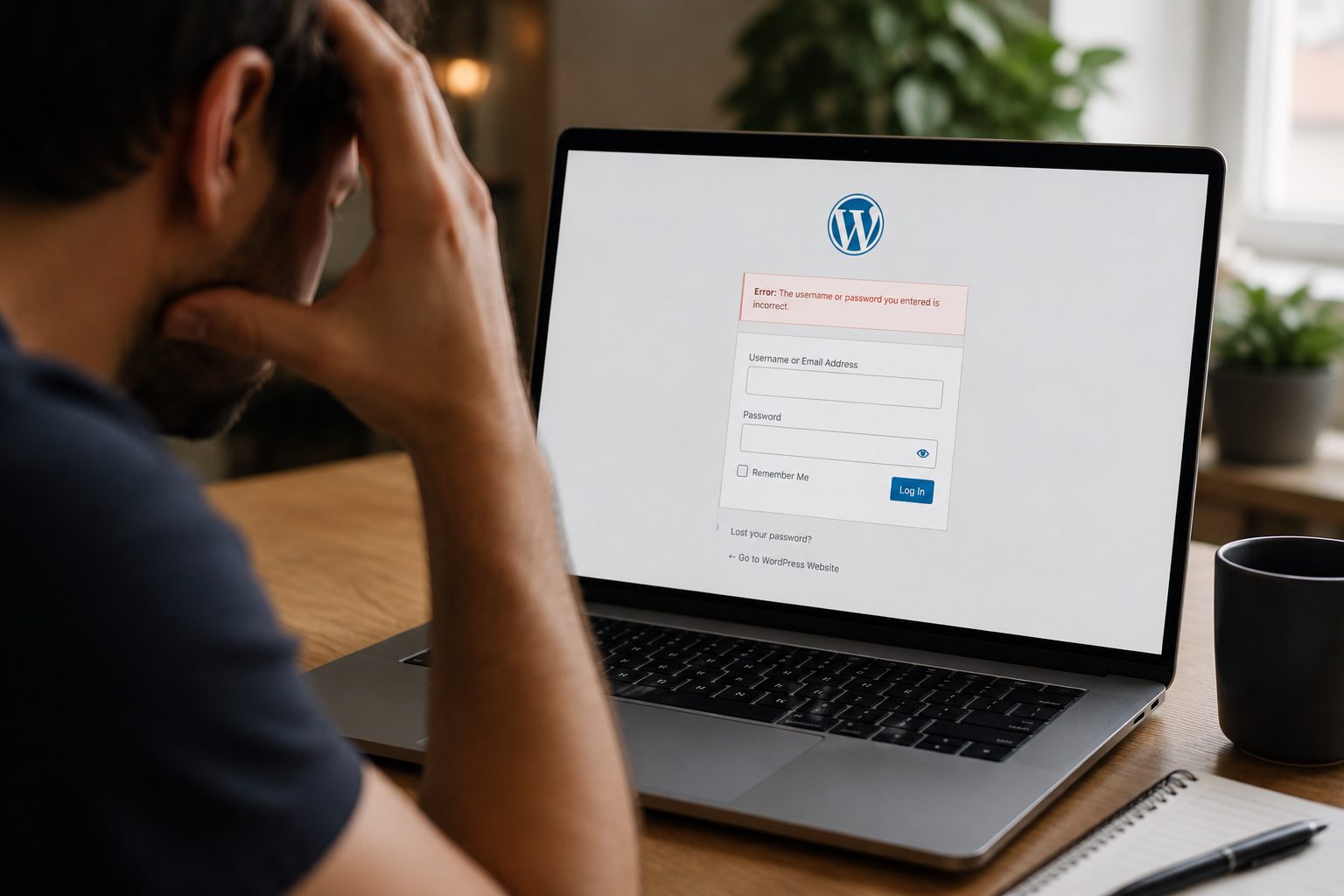
Many businesses assume their website contact forms are working correctly. The reality is that enquiries can stop arriving without any obvious warning signs.
A contact form may appear to work perfectly from a visitor’s perspective, yet emails may never reach your inbox. In other cases, a plugin update, email delivery issue, or website configuration error may prevent enquiries from being submitted at all.
The problem is often discovered too late. A customer mentions they tried to get in touch weeks ago, or enquiry levels suddenly drop without explanation.
For businesses that rely on their website to generate leads, even a short-term form issue can result in missed opportunities and lost revenue.
This guide explains the most common reasons a website is not receiving contact form enquiries, how to test your forms properly and what you can do to prevent future problems.
Why Contact Form Enquiries Matter For Business Websites

Contact forms often play a central role in lead generation, customer communication and sales enquiries.
For many businesses, they are the primary way potential customers make first contact.
Contact forms commonly support:
- Sales enquiries
- Service enquiries
- Quote requests
- Appointment bookings
- Customer support requests
- Partnership opportunities
The Cost Of Missed Enquiries
A contact form problem may seem like a small technical issue, but the business impact can be significant.
Missed enquiries can lead to:
- Lost sales opportunities
- Delayed customer responses
- Reduced lead generation
- Poor customer experience
- Lower confidence in marketing performance
The most frustrating part is that many form failures happen silently. Unless you actively test your website, you may not realise there is a problem.
Why Is My Website Not Receiving Contact Form Enquiries?
Most website enquiry form problems can be traced back to a handful of common causes.
These include:
- Email delivery failures
- Spam filtering issues
- Plugin conflicts
- Contact form configuration errors
- Hosting restrictions
- CAPTCHA or anti-spam failures
- Theme compatibility problems
- Website updates causing conflicts
The good news is that many of these issues can be identified through a structured troubleshooting process.
Checking Whether Contact Form Submissions Are Being Sent
The first step is confirming whether enquiries are being submitted successfully.
Many business owners assume the problem is email delivery when the form itself may not be working correctly.
Basic Contact Form Testing Checklist
- Submit a test enquiry through your website.
- Check whether a success message appears.
- Verify that the enquiry arrives in your inbox.
- Review your contact form settings.
- Confirm that notification emails are configured correctly.
- Test using a different email address.
This simple process often helps identify whether the issue lies with the form itself or with email delivery.
Why Contact Form Emails Go Missing
Contact form emails can fail to arrive for several reasons, even when the form appears to be working correctly.
In many cases, messages are filtered into spam folders, blocked by email providers or rejected because of incorrect sender settings. Email delivery problems can also be caused by blacklisted mail servers, poor email reputation, hosting restrictions or missing authentication records such as SPF, DKIM and DMARC.
As a result, a website owner may assume enquiries have stopped coming in when messages are actually being prevented from reaching their inbox. This can lead to missed sales opportunities and delayed responses to genuine customer enquiries.
For that reason, checking spam folders should always be one of the first troubleshooting steps. If no messages can be found, it is worth investigating the website’s email configuration and delivery settings to identify where the problem is occurring.
How SMTP Configuration Affects Contact Form Reliability

SMTP can significantly improve the reliability of website-generated emails.
SMTP stands for Simple Mail Transfer Protocol. Rather than relying on default WordPress email delivery methods, it uses a dedicated email service to send messages.
WordPress websites often struggle with email deliverability when using default server settings.
Benefits Of SMTP Configuration
SMTP can provide:
- Improved email deliverability
- Greater sending reliability
- Better message tracking
- Reduced spam filtering
- More consistent contact form performance
For businesses that depend heavily on website enquiries, SMTP is often one of the most valuable improvements that can be made.
Plugin Conflicts That Can Break Contact Forms
Plugin conflicts are a common cause of contact form failures.
A recently installed or updated plugin may interfere with how the form operates or communicates with email services.
Common sources of conflict include:
- Contact form plugins
- Security plugins
- Caching plugins
- Anti-spam tools
- Recently installed software
How To Identify A Plugin Conflict
- Review recent website changes.
- Check whether a plugin was recently updated.
- Test the contact form.
- Temporarily disable suspected plugins on a staging environment.
- Re-test the form after each change.
Avoid disabling multiple plugins at once. A methodical approach makes it easier to identify the actual cause.
Website Updates And Changes That May Cause Form Errors
Website updates can occasionally introduce compatibility issues.
This does not mean updates should be avoided. In fact, delaying updates often creates larger problems over time.
Updates that may affect forms include:
- WordPress core updates
- Theme updates
- Plugin updates
- Custom code changes
Why Testing After Updates Matters
Testing after updates helps identify issues before customers encounter them.
A simple contact form submission test can reveal:
- Broken notifications
- Plugin conflicts
- Theme compatibility issues
- User experience problems
Businesses that test regularly often identify issues much earlier than those that rely on customers to report them.
Problems With Contact Form Notifications And Email Addresses
Incorrect notification settings can stop enquiries reaching the right person.
Sometimes the contact form works perfectly but the notification settings are incorrect.
Common Configuration Mistakes
These include:
- Incorrect recipient email addresses
- Typographical errors
- Missing notification rules
- Invalid forwarding addresses
- Outdated email accounts
Even a small mistake in form settings can result in enquiries being lost.
How CAPTCHA And Anti-Spam Tools Can Affect Submissions
CAPTCHA and anti-spam tools help protect websites from spam, but they can also interfere with legitimate enquiries.
If configured incorrectly, these tools may block genuine users from submitting forms.
Balancing Security And Accessibility
Effective contact forms should:
- Reduce spam submissions
- Remain easy to use
- Work consistently across devices
- Be tested regularly
If legitimate enquiries are being blocked, anti-spam settings should be reviewed carefully.
Testing Your Contact Forms Across Different Devices
A form that works on one device may fail on another.
This is particularly important as many users now submit enquiries from mobile devices.
Essential Testing Checklist
Test your forms on:
- Mobile phones
- Tablets
- Desktop computers
- Multiple browsers
- Different operating systems
A quick test across multiple devices can reveal problems that are not immediately obvious.
Using Form Logs To Identify Missing Enquiries
Form logs can provide valuable insight into what is happening behind the scenes.
Many contact form plugins offer submission logging features that record form activity.
Why Form Logs Are Valuable
Form logs can help:
- Verify successful submissions
- Identify failed submissions
- Troubleshoot email delivery issues
- Confirm whether enquiries reached the website
This information is often extremely useful when diagnosing intermittent problems.
How Website Hosting Can Impact Form Performance
Hosting environments can influence how contact forms behave.
In some cases, hosting restrictions may affect email delivery or website functionality.
Signs Hosting May Be Contributing To The Problem
Look for:
- Delayed email delivery
- Intermittent failures
- Server error messages
- Email sending restrictions
- Resource limitations
If form issues persist despite other troubleshooting efforts, your hosting provider may need to investigate further.
Preventing Contact Form Issues In The Future
Regular testing and proactive maintenance can reduce the likelihood of future contact form failures.
Many businesses only discover problems after enquiries have already been lost.
Test Forms Regularly
Submit test enquiries periodically to confirm everything is working as expected.
Monitor Email Deliverability
Review spam folders and monitor delivery rates where possible.
Keep WordPress Updated
Updates help maintain compatibility and address known issues.
Use Reliable SMTP Services
SMTP can improve email reliability and reduce delivery problems.
Maintain Website Backups
Reliable backups provide a recovery option if changes create unexpected issues.
A simple maintenance process often looks like this:
- Monitor website performance.
- Test contact forms regularly.
- Apply updates carefully.
- Optimise email delivery settings.
- Review website functionality after changes.
Businesses looking for a more structured approach may benefit from a professional WordPress maintenance service that includes monitoring, updates and ongoing support.
When To Contact A WordPress Support Team
Some contact form issues require deeper investigation than basic troubleshooting can provide.
Professional support is often worth considering when:
- Forms stop working unexpectedly
- Email delivery problems persist
- Plugin conflicts cannot be identified
- Hosting issues are suspected
- Multiple troubleshooting attempts have failed
Benefits Of Professional Troubleshooting
Professional support can provide:
- Faster diagnosis
- Reduced business disruption
- Improved reliability
- Ongoing monitoring
- Structured maintenance processes
Many recurring contact form problems are symptoms of wider website maintenance issues rather than isolated faults.
You may also find our article on how speed improves enquiries useful if you’re reviewing wider website performance and lead generation issues.
Conclusion
Contact form issues can quietly affect lead generation, customer communication and business growth without creating obvious warning signs.
Most website enquiry form problems stem from email delivery failures, plugin conflicts, configuration mistakes or hosting-related issues. Fortunately, many of these issues can be identified through regular testing and a structured troubleshooting process.
The key is not to assume your forms are working simply because they appear on the page. Regular testing, monitoring and maintenance help ensure genuine enquiries continue reaching your business.
If you suspect your website is not receiving contact form enquiries or want more confidence that your enquiry process is working correctly, now is a good time to review your website support arrangements. Ready to investigate potential issues and improve reliability? get started and speak with the Fly High Web team.