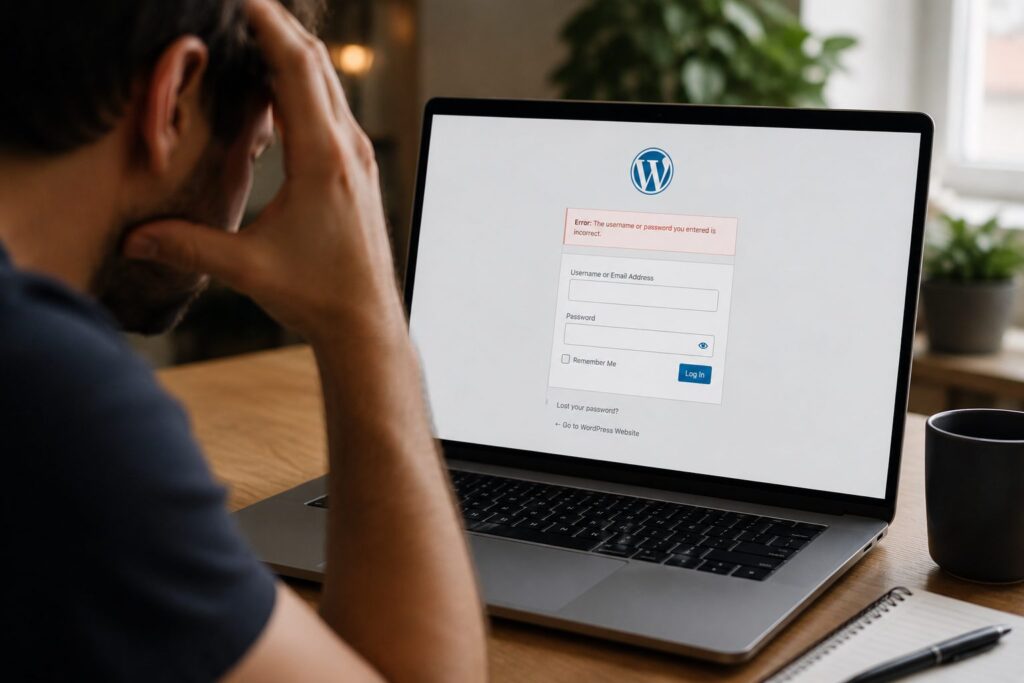
When you sign up for WordPress support services, what exactly are you getting? For many small business owners or freelancers, the phrase sounds reassuring but often, it’s not clear what’s actually included.
That’s where this guide comes in.
Below, we’ve broken down the core features you should expect in any decent website maintenance package. Whether you’re managing your own site or reviewing plans on behalf of a client, this will help you see what’s essential, what’s optional, and where your money’s really going.
What Are WordPress Support Services?

In short, they’re a collection of services that keep your site running smoothly both behind the scenes and when things go wrong.
That includes routine updates, security monitoring, speed improvements, and access to technical help when needed. The goal is simple: take away the stress of managing your website so you can focus on what you do best.
Fly High Web’s WordPress maintenance service is a great example offering reliable support tailored to small businesses and freelancers.
For non-technical users, this peace of mind can be worth far more than the monthly fee.
Let’s look at what that includes.
Core, Theme and Plugin Updates
At the heart of any plan are updates.
WordPress regularly updates its core software to patch bugs or improve performance. The same goes for your theme and any plugins. Outdated tools can create compatibility issues or worse, security holes.
A good service handles WordPress core and plugin updates in the background. No disruption, no risk.
Security Monitoring and Malware Protection
Websites face constant low-level threats automated attacks, login attempts, bots.
WordPress malware protection includes regular scans, firewall setup, and login security. It’s not just about reacting to issues it’s about preventing them.
Better still, you often get alerts if anything unusual pops up.
Website Backups and Recovery
If something does go wrong, backups are your get-out-of-jail card.
Scheduled backups make sure your entire site files, content, layout can be restored quickly. WordPress backup and recovery support means your provider handles this for you, with no need for manual downloads or panic.
Speed and Performance Checks

A slow site doesn’t just annoy visitors it harms your SEO.
Part of regular maintenance includes performance monitoring for WordPress, which means identifying bloated plugins, uncompressed images, or database issues.
It’s one of the easiest ways to improve how your site feels to use.
Help with SSL and Hosting Settings
SSL certificates are the little padlocks you see in the browser bar but getting them set up properly can be fiddly.
Some support teams help with SSL and hosting settings for WordPress, making sure your site loads securely, redirects correctly, and runs without errors.
This is especially helpful for business owners using shared hosting.
Support for SEO and Site Structure
Technical SEO isn’t just keywords. It’s also about crawl errors, broken links, mobile responsiveness, and correct site structure.
A well-rounded maintenance plan may include SEO support for WordPress, flagging problems or helping configure plugins like Yoast.
These little tweaks can make a big impact on how well your site ranks.
Ongoing Technical Support
Finally, the part that saves your sanity.
When something stops working, you want someone who can fix it. Ongoing support covers plugin conflicts, design glitches, or email errors things that can derail your day if you’re not sure what you’re doing.
Good WordPress support services offer this as standard, often through email or live chat.
What to Look for in a WordPress Support Service
Not all providers offer the same level of care. Here’s what to look out for:
- Scheduled backups and quick recovery
- Malware protection and firewall setup
- Automatic updates (core, theme, plugin)
- Real-time uptime monitoring
- Help with hosting and SSL
- Support for speed and SEO improvements
- Actual human support when needed
Some services also include reports, staging environments, or priority support handy extras, depending on your setup.
Final Thoughts
Maintenance is more than just ticking boxes. It’s the safety net that keeps your site running, visible, and secure.
Whether you’re protecting a blog or a client-facing business site, knowing what’s included in your plan means fewer surprises down the line.
If you’re ready for reliable support, backups you can trust, and a faster, safer website check out Fly High Web’s Get Started page to learn more.

Jess Simpson is an SEO Executive at Fly High Web, specialising in search engine optimisation, content strategy and social media marketing. She has hands-on experience in technical SEO audits, keyword research, content development and managing social media content across platforms such as Instagram and LinkedIn. Using industry tools including Ahrefs, Google Analytics 4 and Google Search Console, Jess helps businesses improve their organic visibility, strengthen their online presence and connect with their target audience.