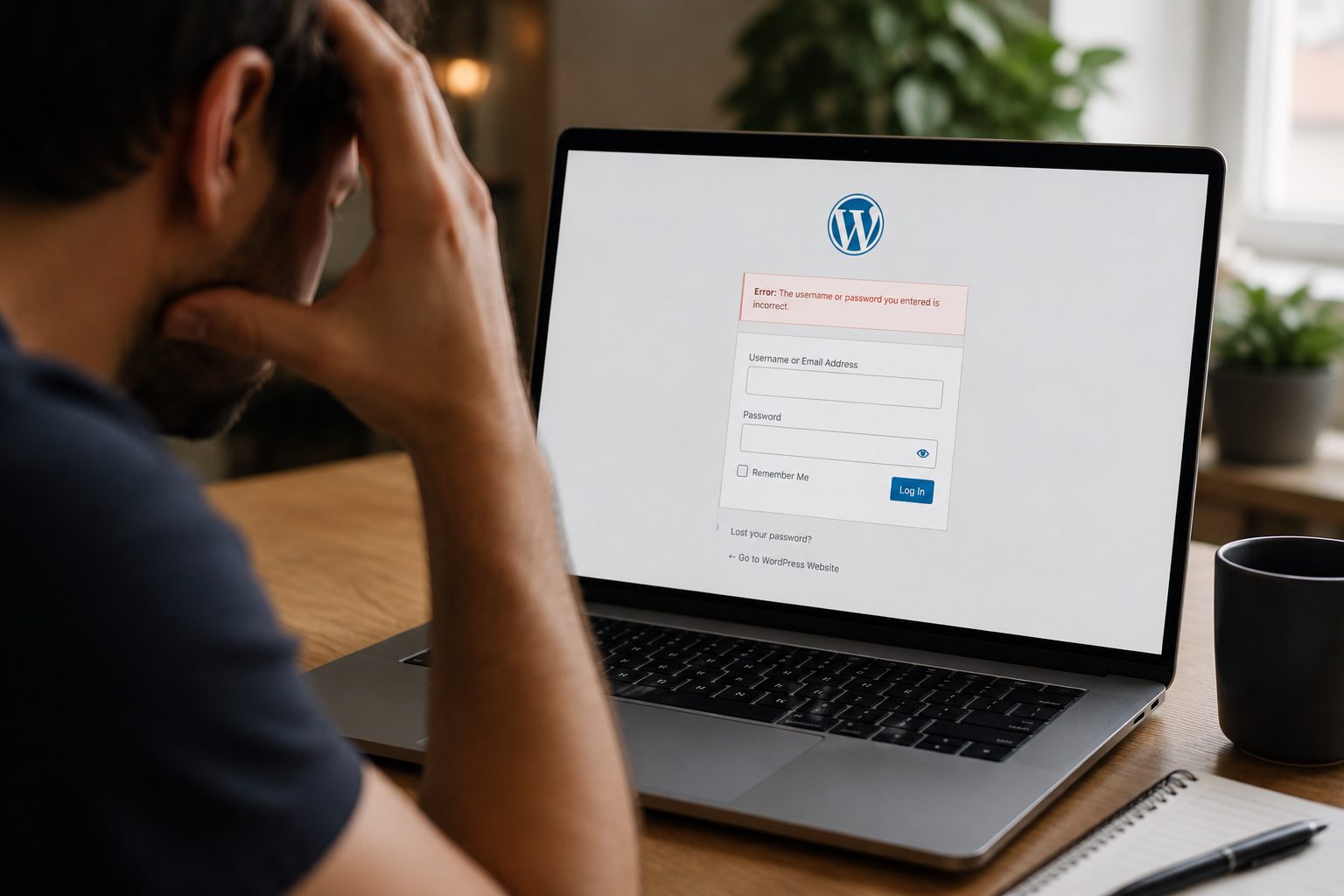
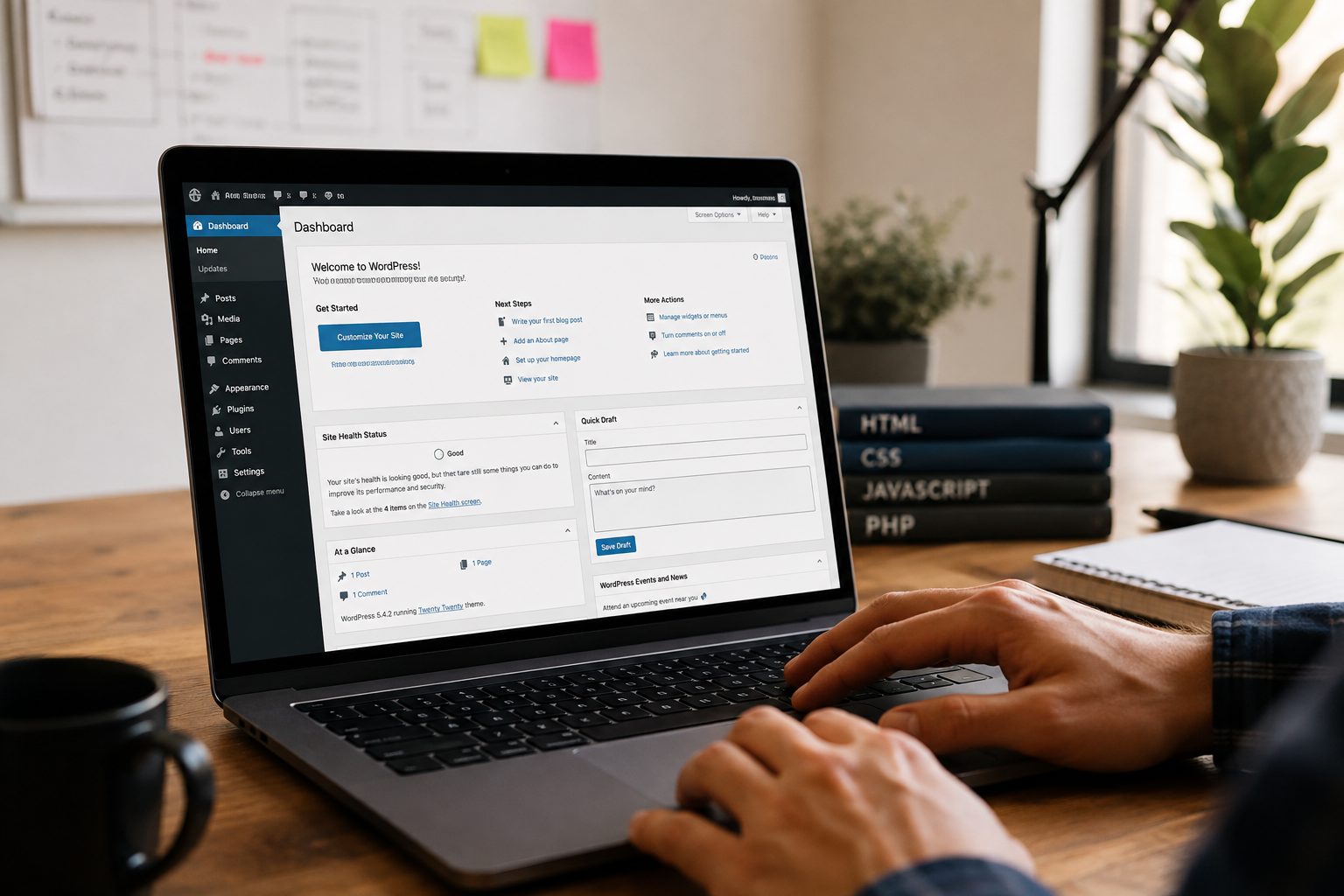
Your website is a vital part of your business but it won’t look after itself. Updates, speed, security, and backups all require ongoing attention. If you don’t have the time or expertise to manage that in-house, a WordPress support package offers a simple, reliable solution.
But not all packages are the same. Some offer just the basics, while others include advanced monitoring, optimisation, and hands-on help. This article explains what’s typically included in a support package, how it benefits your site, and how to choose the right plan for your business.
What is a WordPress Support Package?

A WordPress support package is a monthly service that keeps your WordPress site updated, secure, and running smoothly. It usually includes tasks like plugin and core updates, backups, malware scans, and performance improvements all handled by a specialist team.
Support packages are designed to take the pressure off business owners who can’t afford the risks of site downtime, security breaches, or slow page speeds. Instead of managing these tasks manually (or ignoring them altogether), you have experts on hand to keep everything working behind the scenes.
Key Features Every WordPress Support Package Should Offer
A good support package should include more than just basic updates. At a minimum, you should expect:
- Regular WordPress core, plugin, and theme updates
- Security scanning and protection against threats
- Automated backups with restore points
- Speed optimisation for faster load times
- Uptime monitoring to alert you if your site goes offline
- Fixes for minor issues or plugin conflicts
- Reporting so you know what’s been done each month
The best packages also offer development support, so if you need help adding features or resolving technical issues, you’re covered.
How Support Packages Improve Website Security and Performance

Security and performance are two of the biggest concerns for any business website. An outdated or poorly maintained site is more vulnerable to hacks, malware, and unexpected downtime which can all damage your brand and revenue.
Support packages address this by keeping your software up to date, removing vulnerabilities, and monitoring for unusual activity. At the same time, they ensure your site is running at peak performance which not only improves user experience but also supports SEO.
A fast, secure website builds trust and encourages visitors to stick around, interact, or buy making it an essential part of your digital presence.
Factors to Consider When Choosing a WordPress Support Package
Before signing up for a support package, consider what your business actually needs. Think about:
- The size and complexity of your site: A simple brochure site may need less support than a busy WooCommerce store.
- Your traffic volume: Higher traffic means more pressure on performance and reliability.
- Whether you need development help: Some packages include technical support, others don’t.
- How quickly you need responses: Check SLAs (service level agreements) and support hours.
- Your budget: More comprehensive packages cost more, but they can prevent costly breakdowns later.
It’s also worth asking what’s not included in the plan to avoid surprise charges down the line.
Common Mistakes Businesses Make When Selecting Support Plans
A few frequent mistakes can lead to wasted money or unmet expectations. These include:
- Choosing based solely on price without comparing the actual services offered
- Not checking whether backups are automatic and tested
- Assuming updates will fix layout issues or plugin conflicts (some providers charge extra)
- Overlooking support availability especially during busy periods
- Choosing a one-size-fits-all plan for a site that needs tailored care
Taking time to ask questions and review what’s included can prevent these problems and ensure the plan suits your site’s actual requirements.
Why Investing in the Right WordPress Support Package Pays Off
A well-supported website performs better, stays online longer, and costs less to manage over time. When you have experts regularly maintaining and improving your site, you reduce the risk of downtime, improve customer experience, and free up your time to focus on growth.
Rather than viewing support as a cost, consider it a form of insurance and performance enhancement. It ensures your site supports your goals instead of becoming a recurring issue or hidden risk.
Choosing the right WordPress support package can make a huge difference to your website’s reliability, speed, and security. Whether you’re running a small business site or managing a large ecommerce shop, having expert support in place keeps things running smoothly and lets you focus on what matters most.
Ready to secure and streamline your site with the right support? Look no further than Fly High Web. We can help you get started with a plan designed around your business goals.