A business website often forms the first impression potential customers have of a company. When someone searches online for a service or product, the website they land on can quickly influence whether they stay, explore further, or leave to find another provider.
In many cases, visitors make this decision within just a few seconds. A website that looks outdated, loads slowly, or feels difficult to navigate can immediately reduce trust. On the other hand, a well-designed website helps visitors feel confident about the business behind it.
For small business owners, understanding what makes a good website can make a significant difference. A strong website does more than simply exist online. It acts as a tool that attracts visitors, explains services clearly, and encourages people to get in touch.
Many websites fail to achieve this because they overlook important elements such as usability, performance, and content quality.
By understanding the key differences between effective websites and poorly designed ones, business owners can make better decisions when building or improving their online presence.
What Defines a Good Website?

A good website is one that successfully helps visitors find the information they need and encourages them to take action. This might include learning about services, exploring products, or contacting the business.
Several elements work together to make a website effective. These include design, usability, performance, content quality, and overall user experience.
Design influences how the website looks and how visitors feel when they arrive. Usability refers to how easy it is for people to navigate the website and find what they are looking for. Performance relates to how quickly the site loads and how reliably it functions.
Content plays an equally important role. Visitors often arrive at a website because they are searching for specific information. If the content is unclear or difficult to read, they may leave without engaging further.
A good website focuses on helping visitors complete tasks easily. For example, a visitor should be able to quickly locate service information, pricing details, or contact information without searching through multiple pages.
Because websites represent businesses online, first impressions matter. When visitors encounter a well-organised and easy-to-use website, they are more likely to trust the business and continue exploring.
Clear Design and Easy Navigation
Website design plays a major role in how easily visitors can interact with a site. A clean and organised layout helps guide users through the content and makes important information easier to find.
One of the most important aspects of good website design is clear navigation. Visitors should be able to locate key pages quickly without confusion.
A well-structured website typically includes a clear menu that highlights the most important sections of the site. These might include services, about information, contact details, and blog content.
Logical page hierarchy also helps improve usability. Pages should be grouped in a way that makes sense, allowing visitors to move naturally through the site.
Several design practices help improve navigation and user experience. These include keeping layouts simple, using clear headings, and maintaining a consistent design across all pages.
When navigation is confusing or cluttered, visitors may struggle to find the information they need. This can quickly lead to frustration and cause users to leave the site.
Good navigation helps visitors easily locate:
- Services offered by the business
- Contact details or enquiry forms
- Key information about the company
By making these elements easy to access, businesses create a smoother and more positive user experience.
Fast Loading Speed and Reliable Performance
Website performance is another factor that strongly influences user experience. Visitors expect websites to load quickly and function without delays.
If a website takes too long to load, many visitors will leave before the page even appears. Slow loading speed increases bounce rates and reduces engagement.
Speed also affects how search engines evaluate websites. Faster websites often perform better in search rankings, which can increase visibility in search results.
Several technical factors influence website performance. These include image optimisation, efficient hosting, clean website code, and caching systems that improve page loading speed.
Large image files, outdated plugins, or poorly optimised code can all contribute to slow loading times.
Reliable performance also means that the website functions correctly at all times. Visitors should be able to navigate pages, submit contact forms, and view content without encountering errors.
A fast and reliable website helps create a smoother browsing experience, encouraging visitors to stay longer and explore more of the site.
Mobile-Friendly Website Design

Mobile devices now account for a large percentage of website traffic. Many people browse websites using smartphones or tablets rather than desktop computers.
Because of this shift, websites must adapt to different screen sizes. Mobile-friendly design ensures that pages display correctly regardless of the device being used.
Responsive website layouts automatically adjust to fit smaller screens. This allows text, images, and navigation menus to remain readable and easy to use.
Mobile usability also requires clear navigation and buttons that are easy to tap. Small menus or crowded layouts can make it difficult for users to interact with the website on a mobile device.
Search engines also prioritise mobile-friendly websites when ranking results. Websites that perform well on mobile devices are more likely to appear higher in search listings.
Business owners who want to evaluate their site can learn how to check if your website is mobile friendly.
Ensuring that a website works well on mobile devices helps create a better experience for visitors and improves search visibility.
High-Quality Content That Helps Visitors
Content plays a central role in the effectiveness of any website. Visitors often arrive at a website looking for specific information about a service, product, or topic.
Clear and informative content helps answer those questions quickly.
For example, service pages should explain what the business offers and how those services help customers. Blog posts can provide helpful insights or guidance related to the business’s industry.
Some common examples of useful website content include service descriptions, frequently asked questions, blog articles, and customer testimonials.
High-quality content should be easy to read and structured clearly. Short paragraphs, clear headings, and simple language help visitors understand information more easily.
Relevant content also improves trust. When a website provides helpful information, visitors are more likely to view the business as knowledgeable and reliable.
Search engines also favour websites that provide useful and well-structured content. Pages that answer user questions effectively are more likely to appear in search results.
By focusing on helpful and informative content, businesses can attract visitors while building credibility with potential customers.
The Importance of WordPress Maintenance for a Reliable Website
Even a well-designed website requires ongoing maintenance to remain secure and reliable.
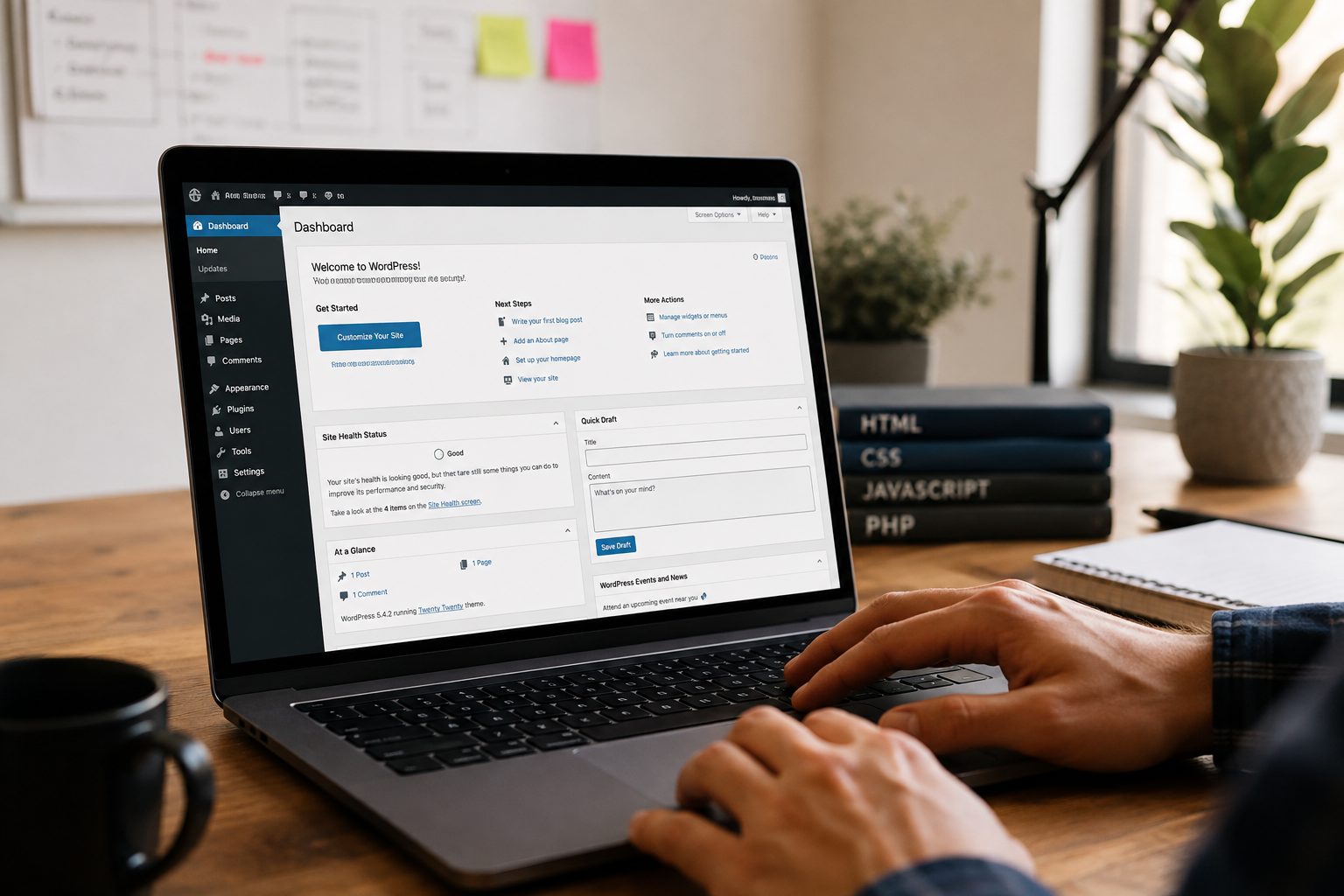
WordPress websites rely on several components that must be updated regularly. These include the WordPress core software, installed plugins, and website themes.
Maintenance tasks typically include updating WordPress, updating plugins, running backups, and monitoring the website for security vulnerabilities.
Without regular maintenance, websites can develop technical issues. Outdated plugins may stop working properly, security risks may increase, and performance problems may appear.
Broken features or outdated software can also negatively affect user experience.
Regular monitoring helps identify potential problems before they affect visitors. Maintenance also helps ensure that the website continues to function correctly as technology evolves.
Many businesses choose to rely on a professional WordPress maintenance service to manage updates, backups, and website monitoring.
This allows business owners to focus on running their company while ensuring their website remains secure and reliable.
Strong Calls to Action and User Experience
An effective website guides visitors towards taking action. Without clear direction, visitors may browse the site without contacting the business or exploring services further.
Calls to action, often referred to as CTAs, encourage visitors to take the next step.
Common examples of calls to action include contacting the business, requesting a quote, booking a consultation, or subscribing to updates.
CTAs should be easy to see and simple to understand. Clear language helps visitors know exactly what action they are expected to take.
Strategic placement is also important. Calls to action can appear on service pages, the homepage, and contact pages.
Good user experience also means removing unnecessary obstacles that prevent visitors from completing tasks. For example, enquiry forms should be simple and quick to complete.
When websites guide visitors clearly, they are more likely to convert website traffic into enquiries or leads.
Common Signs of a Poorly Designed Website
Understanding the differences between a well-designed website and a poorly performing one can help business owners identify areas for improvement. The table below highlights some of the most common differences.
Good Website vs Bad Website Comparison
| Website Feature | Good Website | Bad Website |
| Design | Clean, modern design that reflects the brand | Outdated or cluttered design that looks unprofessional |
| Navigation | Clear menus that help users find information quickly | Confusing navigation with too many options |
| Loading Speed | Pages load quickly and smoothly | Slow loading pages that frustrate visitors |
| Mobile Experience | Fully responsive and easy to use on phones | Hard to read or navigate on mobile devices |
| Content Quality | Clear, helpful, and informative content | Poorly written or outdated content |
| Calls to Action | Clear prompts such as “Contact Us” or “Request a Quote” | No clear guidance on what visitors should do next |
| User Experience | Visitors can easily complete tasks and find information | Visitors struggle to locate key pages |
| Maintenance | Regular updates, security checks, and optimisation | Outdated plugins, broken features, and security risks |
These issues can quickly discourage visitors. When users encounter technical problems or struggle to find information, they often leave the site and search for alternatives.
Because websites represent businesses online, a poorly maintained site can also damage credibility.
Reviewing a website regularly helps identify areas that need improvement. Updating design, improving navigation, and maintaining website performance can significantly improve user experience.
Business owners who want help improving their website can get started with Fly High Web for professional guidance and website support.