At Fly High Web, we offer Premium WordPress maintenance services that provide regular technical care for a live WordPress website. They cover the routine work needed to keep the site updated, backed up, secure and working properly.
For a business owner, the real value is not a tidy WordPress dashboard. It is knowing that contact forms still send enquiries, customers can complete purchases and the website has a recovery plan when something goes wrong.
A WordPress website changes long after launch. The WordPress software receives updates, plugins release new versions, hosting technology changes and new content is added. These changes can create faults that are easy to miss from the front of the site.
A maintenance service gives this work a clear owner. Someone checks the site, manages updates and responds to technical warnings before they become a larger interruption.
What Does WordPress Maintenance Actually Cover?
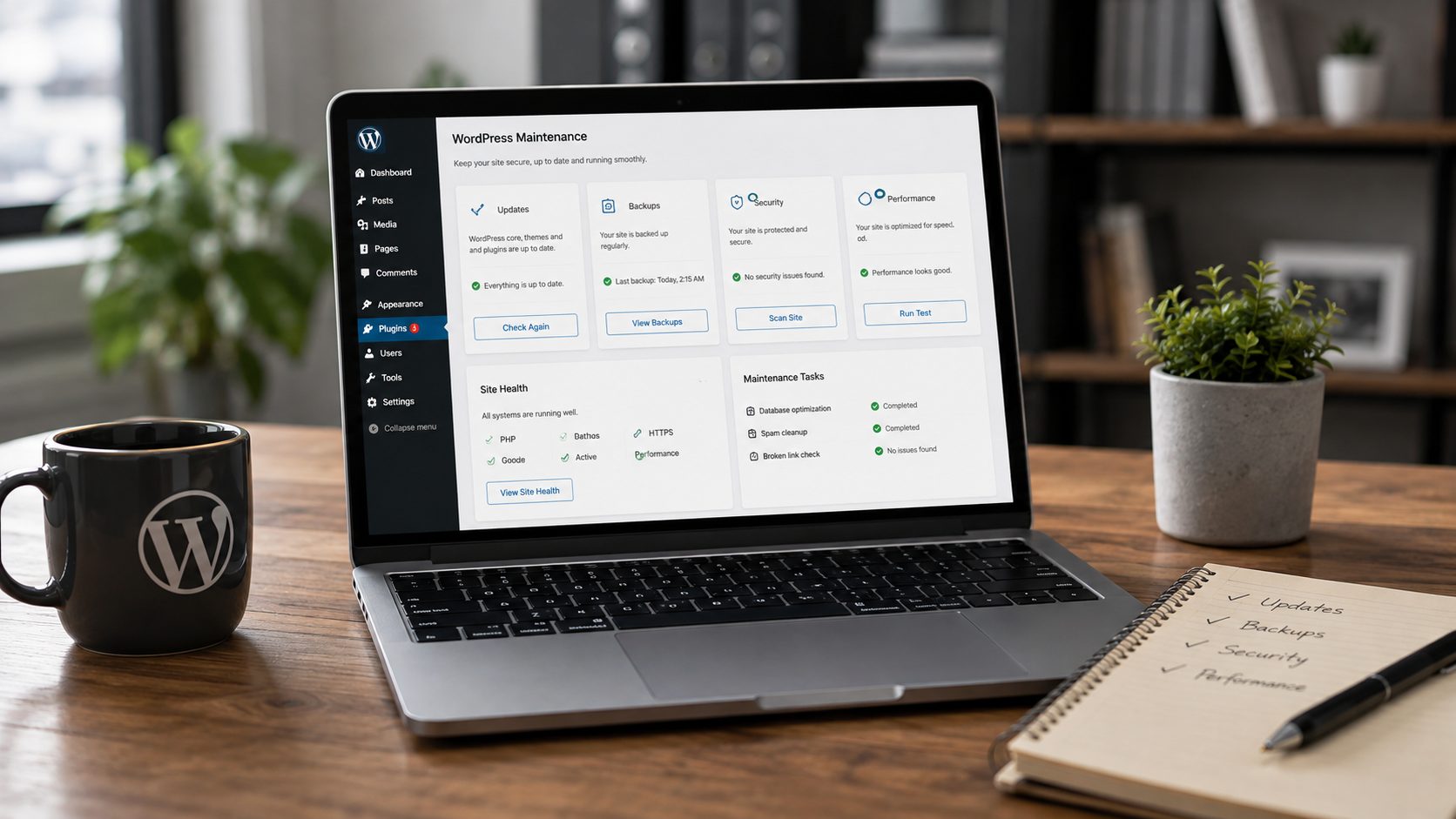
The exact service depends on the provider and the plan, but most WordPress maintenance services cover six main areas: updates, backups, security, monitoring, testing and technical support.
The quality of the service comes from how these tasks are handled. Clicking “update” is easy. Checking the website afterwards, spotting a fault and restoring a safe version takes more care.
Safe WordPress, Plugin and Theme Updates
WordPress websites use several pieces of software at the same time. The WordPress core runs the platform, the theme controls the design and plugins add features such as forms, bookings, payments and SEO settings.
Each part can receive an update from a different developer.
A maintenance provider reviews available updates, creates a current backup and checks the site once the changes have been applied. On a more complex website, major updates may be tested on a staging copy before reaching the live site.
The purpose is to keep the software current without treating every update as risk-free.
Website Backups and Recovery
A backup gives the website a point to return to after a failed update, accidental change or security incident.
A useful backup needs to include the website files and database. It should be created often enough for the way the site is used and stored somewhere suitable. A backup of a simple brochure website may not need the same schedule as a WooCommerce shop receiving orders every day.
Recovery matters just as much as backup creation. A provider should know how the site will be restored, who will complete the work and how much recent data could be lost.
Security Checks
Maintenance reduces avoidable security risks by keeping software current and checking for signs that need investigation.
This may include malware scanning, vulnerability alerts, login monitoring and a review of administrator accounts. Old users from a previous agency or former member of staff may still have access without anyone realising.
No service can promise that a WordPress website will never face a security issue. The aim is to reduce exposure, spot warnings sooner and provide a clear response route.
Uptime and Error Monitoring
A website can go offline without the business noticing straight away. Uptime monitoring checks whether the site remains available and sends an alert when it cannot be reached.
Some providers monitor technical errors too. These warnings can reveal a plugin conflict, server problem or failed process before the issue becomes obvious to visitors.
Monitoring is most useful when somebody acts on the alert. A notification alone does not fix the website.
Checks on Forms, Bookings and Checkout
A website can load normally and still fail at the point that matters most.
A contact form may stop sending emails. A booking confirmation may fail. A checkout button may work on desktop but not on a mobile phone.
Good maintenance includes checks on the website paths that create enquiries or sales. The checks should match the purpose of the site rather than follow the same generic checklist for every business.
Performance and Technical Housekeeping
WordPress websites often become slower over time. Large images are uploaded, unused plugins remain installed and the database collects information that is no longer needed.
Maintenance can identify these issues and deal with routine housekeeping. It may include checking caching, removing unused software, reviewing image sizes and spotting a hosting limit.
Maintenance cannot fix every speed problem. Poor development, heavy page design or unsuitable hosting may need separate work. A good provider should explain the difference rather than promise that a monthly plan will solve every performance concern.
Why Does a Business Website Need Regular Maintenance?
A business website does not need maintenance just for the sake of WordPress. It needs maintenance when faults on the site could affect the business.
A broken contact form can mean lost enquiries. A checkout problem can stop sales. A slow page can make a potential customer leave before reading the offer. A security warning can damage trust and take staff away from their usual work.
Many website problems start quietly. There may be no dramatic error screen. The site still opens, but an email is no longer delivered or one feature has stopped working after an update.
Regular checks make those problems easier to find.
Maintenance does not make a website faultless. It creates a routine for dealing with change, reducing avoidable risk and recovering more quickly when a fault appears.
What Is the Difference Between WordPress Maintenance and Support?
WordPress maintenance covers planned, recurring work. WordPress support deals with questions, faults and changes that need human help.
The two services often sit within the same plan, but they are not identical.
Maintenance may cover updates, backups, monitoring and routine checks. Support may cover troubleshooting, fixing a broken layout, changing content or helping with a plugin.
This difference matters when comparing plans. A low-cost plan may manage updates but charge separately for repairs. Another plan may include a set amount of development or content support each month.
Check what happens after a problem is found. That answer often tells you more than the headline list of features.
How Often Should a WordPress Website Be Maintained?
Most business websites need checks throughout the month rather than one large review each year.
The right schedule depends on how often the site changes and how much the business relies on it. A small brochure website may need fewer checks than an online shop, membership site or booking platform.
Updates should be reviewed regularly. Backups may run daily or more often on an active ecommerce website. Forms, checkout and uptime may need ongoing monitoring.
A wider review can take place monthly or quarterly. This may cover user accounts, unused plugins, storage, performance and any recurring warnings.
The schedule should follow the risk. A website that handles orders and customer accounts needs closer care than a site that displays opening hours and a phone number.
Can You Maintain a WordPress Website Yourself?
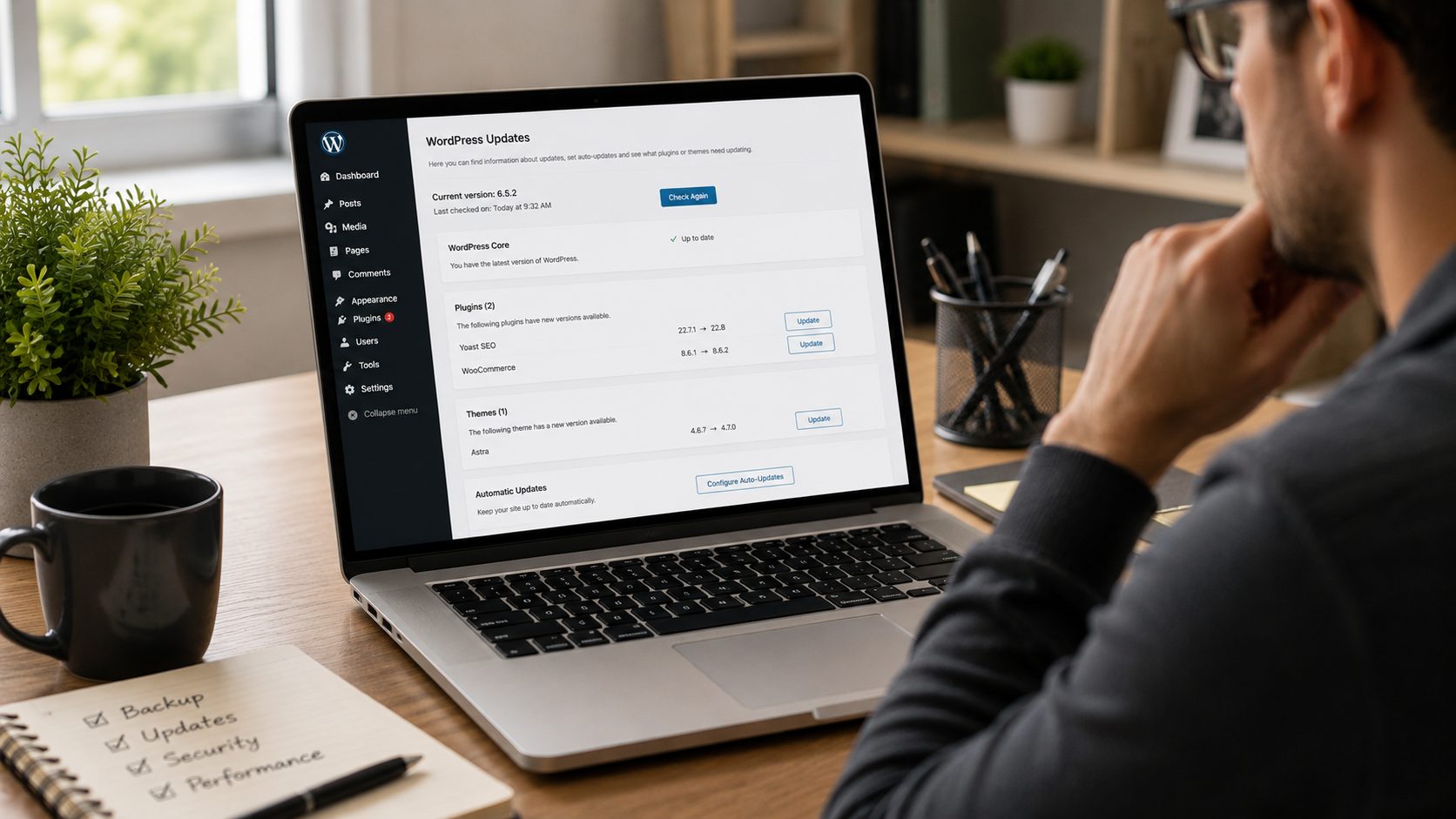
Yes. A business owner can maintain a straightforward WordPress website without paying for a monthly service.
You need a repeatable process, current backups and enough confidence to respond when an update causes a fault. You should test the website after changes rather than rely on a successful update message.
Self-maintenance can work well for a small site when someone has the time and knowledge to take ownership.
The main problem is often delay. Updates are easy to postpone when the website appears normal. Backups go unchecked, old accounts remain active and forms are tested only after an enquiry fails to arrive.
There is a middle option. The business can keep control of page and blog updates, then pass technical maintenance, recovery and security checks to a WordPress provider.
When Is Professional WordPress Maintenance Worth Paying For?
Professional maintenance is worth looking at when the website plays a direct role in enquiries, bookings, sales or customer service.
It can be a sensible choice when nobody in the business owns the technical work, staff do not know how to restore a backup or updates keep being delayed through concern that something may break.
The case becomes stronger when the site uses WooCommerce, memberships, bookings or several integrations, or when past website faults have caused lost time or missed enquiries.
The size of the business is less relevant than the role of the website.
A five-page website can still be business-critical when most new customers use its contact form. A larger site may need a higher level of care, but page count alone does not show the risk.
The useful question is simple: what would happen to the business if the website stopped working properly tomorrow?
How Do You Compare WordPress Maintenance Providers?
Start with what the provider does after an alert, failed update or broken feature appears.
Ask how updates are tested, where backups are stored and whether restoration is included. Check whether the provider tests forms or checkout, or limits the service to software updates.
You should know which support requests are covered. Small content changes, technical fixes, malware removal and emergency work may sit outside the standard monthly fee.
Response times need clear wording too. “Priority support” can mean different things from one provider to another.
Reports can be useful when they explain what was checked, what changed and whether any action is needed. A long automated report filled with plugin names may offer little value to a non-technical business owner.
Look for clear ownership and plain communication. You should know who to contact, what they will do and what may cost extra.
What Might Not Be Included in a Maintenance Plan?
A maintenance plan is not the same as unlimited website development.
New pages, redesign work, custom features, copywriting, SEO campaigns and major speed projects may be priced separately. Hosting may form part of the plan, or it may remain with another company.
Security scanning does not always include malware removal. Backups do not always include restoration. Monitoring does not always include an immediate repair.
Read the service details with this distinction in mind.
A good provider will set clear boundaries before the work starts. This avoids confusion during a website problem, when the business needs a direct answer rather than a discussion about what the plan covers.
What Level of Maintenance Does Your Website Need?
A brochure website may need safe updates, backups, uptime checks and occasional support.
A lead-generation website needs those tasks plus regular form testing. A WooCommerce store may need closer monitoring of checkout, payments, orders, customer accounts and third-party integrations.
A website using custom development may need staging tests and access to a developer who knows the setup.
The right plan should reflect the cost of disruption. Paying for features the site does not use is wasteful. Choosing the cheapest plan without checking its limits can leave the business exposed when help is needed.
A website audit can give you a clearer starting point by identifying outdated software, current errors and areas with no clear recovery plan.
Give WordPress Maintenance Clear Ownership
WordPress maintenance is not about clearing update notifications. It is about keeping the website dependable enough to support the business.
That means having current backups, managing updates safely, checking the features customers use and knowing who will respond when a fault appears.
You may decide to handle the work in-house or use a maintenance provider. The key point is ownership. When no one is responsible, routine tasks are delayed and small faults can remain hidden.
Fly High Web provides ongoing WordPress maintenance from a UK-based team, with updates, backups, security monitoring and technical support for business websites. Get started today and keep your website secure, updated and running smoothly.
View our WordPress maintenance plans or request a free website audit to see where your site may need attention.

Jess Simpson is an SEO Executive at Fly High Web, specialising in search engine optimisation, content strategy and social media marketing. She has hands-on experience in technical SEO audits, keyword research, content development and managing social media content across platforms such as Instagram and LinkedIn. Using industry tools including Ahrefs, Google Analytics 4 and Google Search Console, Jess helps businesses improve their organic visibility, strengthen their online presence and connect with their target audience.