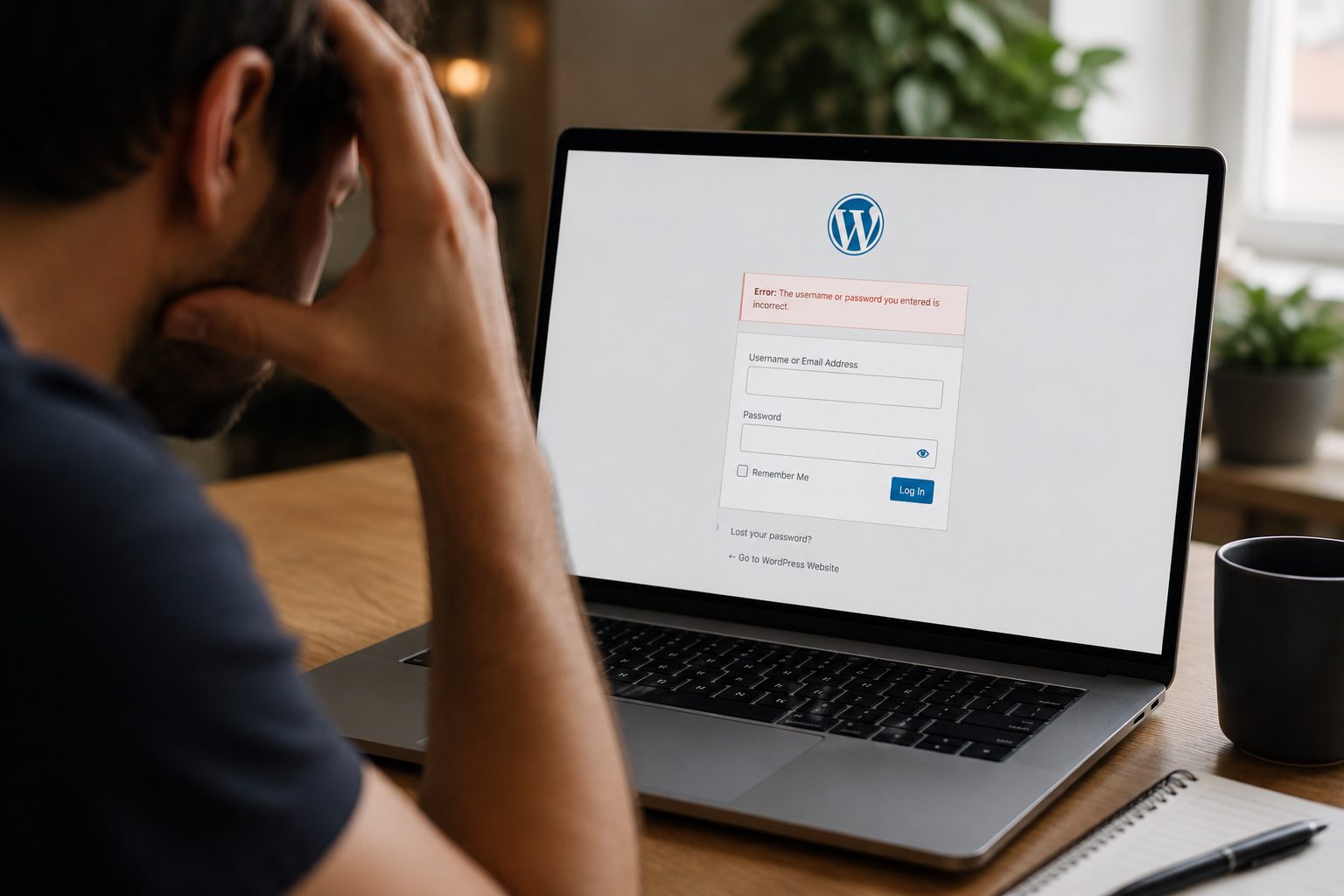
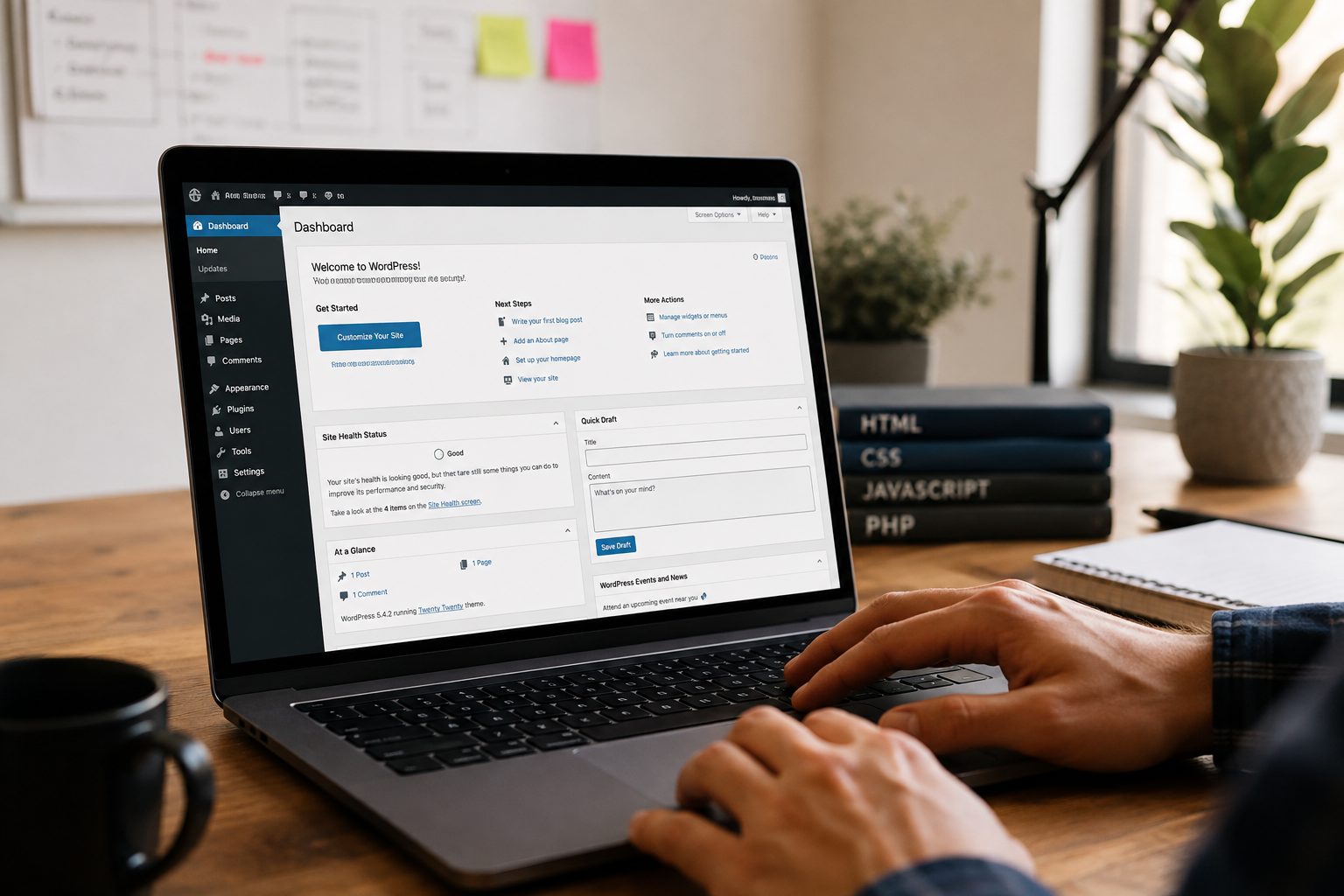
At some point, every website needs updates. This might be to improve security, fix issues, or keep things running smoothly. For business owners who are not technical, the idea of taking a WordPress site offline can feel risky. The good news is that it does not have to be complicated or disruptive.
When done properly, maintenance happens quietly in the background. Visitors stay informed, your site stays safe, and nothing breaks.
What “Taking a WordPress Site Offline” Actually Means

Taking a WordPress site offline does not mean switching it off completely or making it disappear from the internet. It usually means showing a short message to visitors while updates are carried out behind the scenes.
Your website still exists and still works for the person maintaining it. Visitors simply see a clear notice instead of pages that might look unfinished or behave oddly.
This approach keeps your site tidy and avoids confusing visitors if something changes during an update.
When You Should Take WordPress Offline for Maintenance
Some updates are small and can be done while your site stays live. Others are bigger and can briefly affect how pages look or work.
It often makes sense to use maintenance mode when:
- WordPress itself needs a major update
- A theme is being changed or updated
- Important plugins are being replaced or upgraded
- Security work is being carried out
Allowing visitors to browse a site mid-update can cause broken layouts or forms that do not work. Planned downtime avoids this and keeps your site professional.
This is why ongoing WordPress maintenance is helpful. Updates are handled carefully and at the right time, reducing risk.
What to Do Before Taking Your WordPress Site Offline
Before any maintenance starts, a few simple steps make everything safer.
The most important step is taking a full backup. This means your site can be restored if anything unexpected happens.
Next, it helps to know what work is being done. Updating lots of things at once can cause issues, so changes are usually made in stages.
Choosing a quiet time of day also helps. Early mornings or evenings are often best, when fewer visitors are using the site.
How to Take WordPress Offline for Maintenance (Safely)
The safest way to take a site offline is by using a maintenance mode tool. These tools are built for WordPress and handle everything correctly.
A proper maintenance page:
- Clearly explains the site is being updated
- Keeps the site accessible for the person doing the work
- Tells search engines the site will be back shortly
From a visitor’s point of view, it feels calm and intentional rather than broken. From your point of view, updates can be completed without pressure.
How to Keep Visitors and SEO Safe During Maintenance

Short maintenance periods do not harm your visibility on search engines when handled properly.
Visitors should always see a clear message rather than error pages. This keeps trust high and avoids frustration.
Search engines are also given the right signals so they know the site is temporarily unavailable, not gone for good. This protects your rankings and ensures your pages remain listed.
Clear communication and short downtime are key.
Common Mistakes That Break WordPress During Maintenance
Most problems happen when maintenance is rushed or unplanned.
Skipping backups is one of the biggest risks. Another common issue is updating too many things at once, which makes it hard to spot what caused a problem.
Turning plugins off without knowing what they do can also break forms, shops, or booking systems.
Leaving maintenance mode switched on after updates are finished is another simple but costly mistake. Visitors may think the site is still unavailable.
How to Bring Your WordPress Site Back Online
Once updates are complete, maintenance mode is turned off and the site is checked.
Important pages, contact forms, and menus should be tested to make sure everything works as expected. If the site takes payments, those steps should be checked carefully.
Clearing the site’s cache helps visitors see the updated version straight away.
A smooth return online usually goes unnoticed, which is exactly what you want.
Ongoing Maintenance Without Taking Your Site Offline
Most downtime can be avoided with regular care. Small updates done often are safer than big changes done rarely.
Testing updates before they go live reduces surprises. Monitoring the site regularly also helps catch small issues before they turn into larger problems.
With the right support, maintenance becomes routine rather than stressful, and full downtime becomes rare.
Ongoing Maintenance Without Taking Your Site Offline
Most website downtime can be avoided with regular care. Smaller updates carried out consistently are far safer than leaving everything until large changes are needed.
Testing updates before they go live helps prevent surprises, and monitoring the site regularly means issues are spotted early. This keeps your website stable, secure, and available to customers.
With the right support in place, maintenance becomes a routine background task rather than something that disrupts your business.
If you would rather not worry about updates, backups, or site stability, you can get started with Fly High Web and have your WordPress site looked after for you.