Launching a WordPress website is only the beginning. Once it’s live, regular maintenance helps keep it secure, reliable and working as your business expects.
Many business owners assume their website will simply look after itself. That can seem true for a while, but over time software becomes outdated, plugins change, images build up and small problems begin to appear. Often, these issues develop quietly before anyone notices them.
The good news is that maintaining a WordPress website doesn’t have to be complicated. A simple routine completed consistently is usually far more effective than trying to fix everything after a problem has already affected your website.
In this guide, you’ll learn which maintenance tasks matter most, how often they should be completed and when professional support becomes the safer and more practical option.
Why Regular WordPress Maintenance Matters

Regular maintenance helps keep your WordPress website secure, reliable and performing as expected, reducing the likelihood of unexpected problems affecting your business.
It’s easy to think maintenance is only necessary when something breaks. In reality, good maintenance is about preventing issues before they interrupt your website or your customers.
WordPress is constantly evolving. New versions of WordPress are released, plugins receive updates and themes are improved to remain compatible with the latest software. If these changes are ignored for long periods, your website can gradually become more difficult to manage and more likely to develop problems.
The effects aren’t always obvious straight away.
Your homepage may still load perfectly while your contact form has stopped sending emails. A customer may be unable to complete a purchase because of a plugin conflict that nobody has noticed. Even something as simple as an outdated redirect can prevent visitors reaching important pages.
Most expensive website repairs don’t begin with a major technical failure. They often start with small maintenance tasks being delayed or forgotten until several issues appear at once.
Looking after your website little and often is usually much easier than recovering from an unexpected problem later.
Keep WordPress Core, Plugins and Themes Updated
Keeping WordPress software updated supports compatibility, security and stability, but updates should always be completed carefully.
Every WordPress website relies on three main components working together. These are the WordPress core software, your website’s theme and any plugins that provide additional features.
Developers regularly release updates to improve these components. Some introduce new features, while others fix bugs, improve compatibility or address security vulnerabilities.
While it’s important to keep everything up to date, it’s equally important not to rush every update.
Installing multiple updates without checking your website afterwards can occasionally create compatibility issues, particularly if several plugins interact with one another.
Before updating, make sure you have a recent backup. Once the updates have finished, spend a few minutes checking your most important pages. Test your navigation, contact forms, booking systems or checkout process to confirm everything still works as expected.
For most business websites, reviewing available updates once a week is usually enough. Websites that receive regular changes or process online orders may need more frequent attention.
Back Up Your Website Regularly
Reliable backups provide a recovery point if something goes wrong, but they should also be stored securely and tested from time to time.
Many hosting providers include automatic backups, but it’s worth understanding exactly how those backups work.
Ask yourself a few simple questions.
How often are backups created? How long are they kept? Can you restore the website yourself if necessary? Are backups stored separately from your hosting account?
These answers become important when something unexpected happens.
For example, a plugin update may cause an error that affects several pages. Without a recent backup, fixing the issue could take considerably longer than restoring the previous working version.
Your backup schedule should also reflect how often your website changes. A brochure website may only require daily backups, while a WooCommerce website processing customer orders throughout the day may benefit from more frequent protection.
The important thing isn’t simply having backups. It’s knowing they’re available before you ever need them.
Monitor Website Security and Malware
Regular security monitoring helps identify vulnerabilities before they develop into larger problems.
Keeping WordPress updated is an important part of website security, but it isn’t the only task that deserves attention.
It’s also good practice to review administrator accounts, monitor login activity and check your website for signs of malware or unusual behaviour.
Many security issues aren’t immediately visible. Your website may continue working normally while outdated software or unnecessary user accounts quietly increase the level of risk.
This is why security should become part of your regular maintenance routine rather than something you think about after a problem has already occurred.
Professional maintenance can also provide an extra level of reassurance because monitoring takes place continuously rather than only when someone remembers to log into the website.
Fly High Web’s WordPress maintenance service helps businesses stay on top of updates, security monitoring, backups and routine website health checks, reducing the likelihood of small issues becoming larger problems.
Check Website Speed and Performance

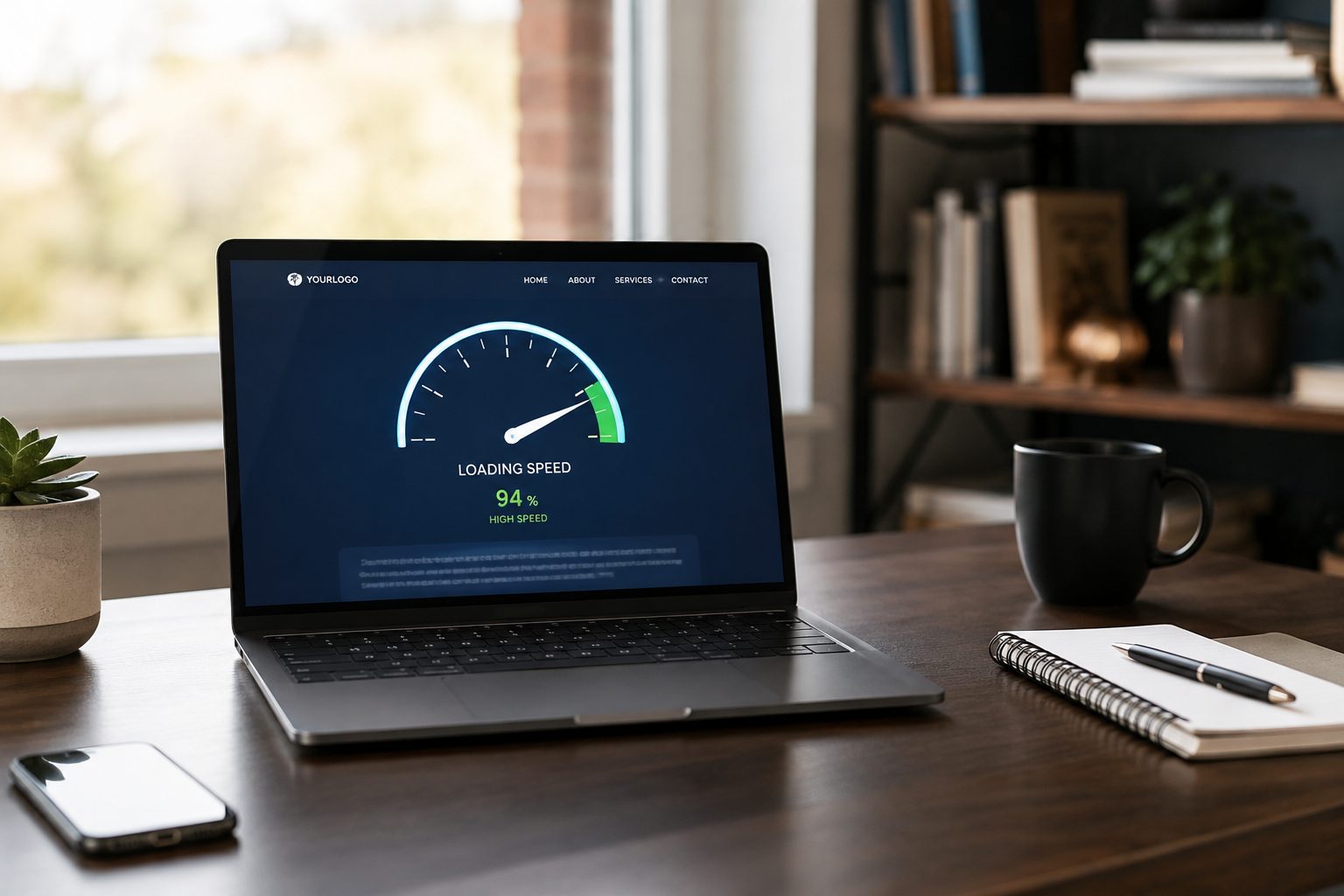
Website performance gradually changes over time, making regular reviews an important part of ongoing maintenance.
A website that loaded quickly when it launched may become slower as new pages, plugins, images and third-party tools are added.
That doesn’t necessarily mean anything is wrong. It simply reflects how websites evolve.
Rather than waiting until visitors complain, review your website’s performance every few months or after significant changes.
Look beyond speed testing tools and consider the experience from a visitor’s perspective.
Do pages load consistently? Are images displaying quickly? Does the website feel responsive on mobile devices? Can customers move between pages without unnecessary delays?
If performance has gradually declined, review recent changes before making further optimisations. Large image uploads, additional plugins or changes to your hosting environment are often more significant than minor technical adjustments.
Regular monitoring makes it much easier to identify gradual changes before they begin affecting your visitors.
Should You Maintain Your Website Yourself or Use a Professional Service?
Many business owners can complete basic maintenance tasks themselves, but professional support becomes increasingly valuable as websites grow in complexity.
If your website is relatively simple, you’re comfortable using WordPress and you have time to carry out regular checks, managing your own maintenance may be perfectly realistic. Updating plugins, checking backups and testing your contact forms don’t usually require advanced technical knowledge, provided you’re careful and have a recent backup available.
The challenge is consistency.
Website maintenance isn’t something you complete once and forget about. It becomes part of the routine of running your business. As your website grows, so does the time needed to keep it updated, monitor performance, test new features and resolve compatibility issues.
For many business owners, that’s where professional maintenance starts to make sense.
Rather than spending time trying to diagnose technical problems, you have someone regularly checking the website, monitoring its health and identifying issues before they become larger problems.
Professional maintenance can be particularly worthwhile if your website:
- Generates regular enquiries.
- Takes online payments or bookings.
- Uses several plugins or third-party integrations.
- Is an important part of your day-to-day business.
- Has multiple people managing content.
Ultimately, the decision isn’t about whether you can maintain your own website. It’s about whether it’s the best use of your time and whether you’re confident the important tasks are being completed consistently.
What We Check Every Month
Regular maintenance involves much more than clicking the update button.
When reviewing a WordPress website, it’s important to look at how the whole website is performing rather than focusing on one individual task.
A typical monthly maintenance routine should include checking that WordPress, plugins and themes are up to date, confirming backups have completed successfully and reviewing any security alerts that need attention.
It’s also worth testing the features visitors rely on most. Contact forms, booking systems, login areas and checkout pages can all develop problems after updates or configuration changes, even when the rest of the website appears to be working normally.
Performance should also be reviewed. If pages are becoming slower to load, new images have been added or additional plugins have been installed, these changes are worth investigating before they begin affecting visitors.
Finally, take a few minutes to look at the website as one of your customers would. Read through key pages, check links, review calls to action and make sure everything still reflects your business accurately.
Small checks completed regularly are usually far easier than dealing with several unexpected problems at once.
Conclusion
Maintaining a WordPress website isn’t about waiting for something to break. It’s about carrying out small, regular tasks that help keep your website secure, reliable and working as your visitors expect.
A simple maintenance routine that includes updates, backups, security checks, performance reviews and testing your key website features can significantly reduce the likelihood of unexpected issues developing over time.
As your website grows, maintenance naturally becomes more important. More plugins, additional content and new functionality all increase the need for regular monitoring and careful updates.
Whether you choose to manage your website yourself or work with a professional, the most important thing is being consistent. A free website audit can help you understand what needs attention, making it easier to look after your site little and often rather than dealing with major problems after they have affected your business.