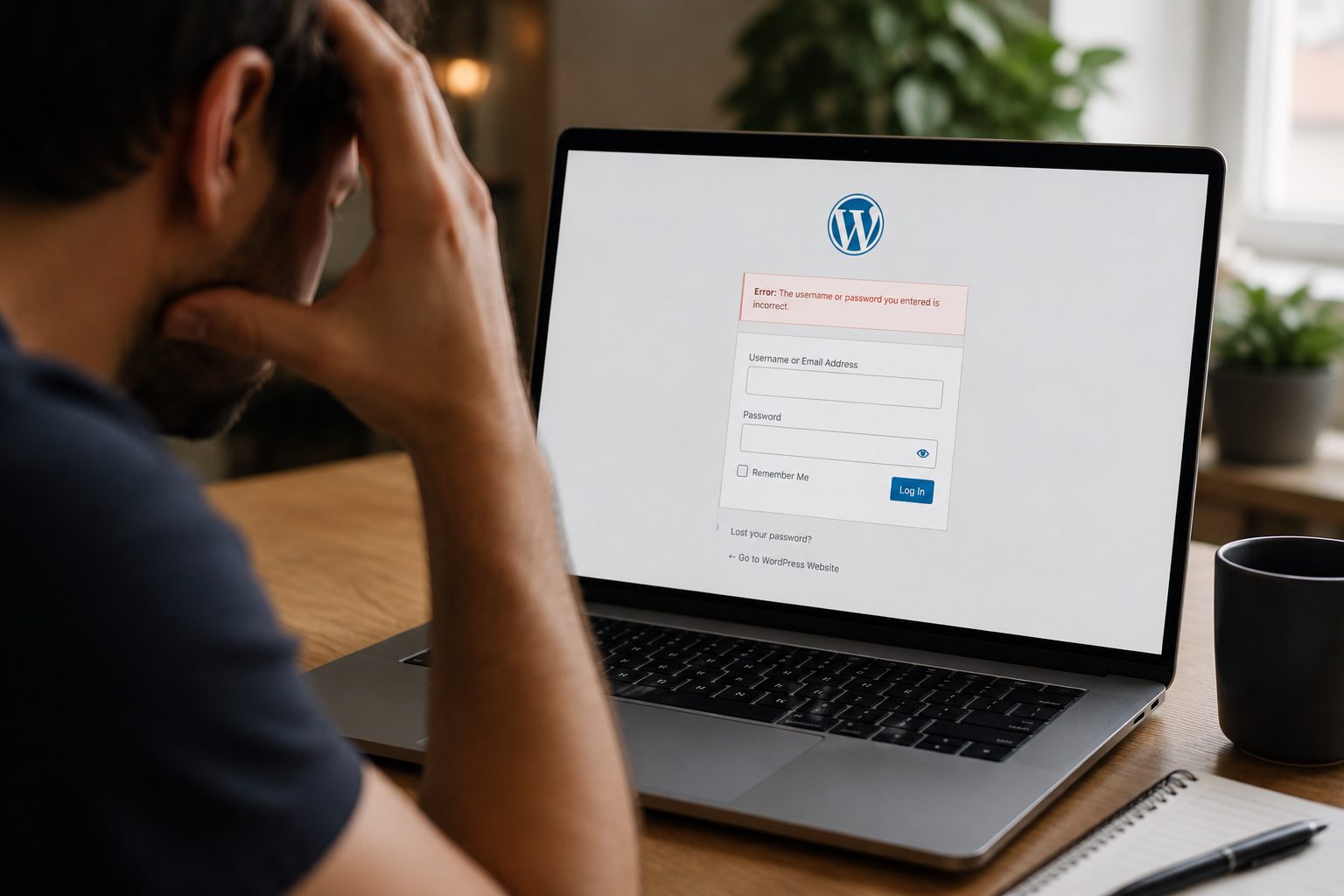
If your website takes too long to load, most visitors won’t stick around.
People expect websites to load quickly, and if yours doesn’t, they’ll often leave before they’ve even seen what you offer. That can mean lost enquiries, fewer sales, and missed opportunities to grow your business.
Website speed also plays a key role in how your site performs on Google. Faster websites are more likely to rank well, which helps more people find you in the first place.
The good news is that improving your website speed doesn’t need to be complicated. Even small changes can have a noticeable impact.
In this guide, we’ll walk through practical, easy-to-follow ways to improve your website’s performance and create a better experience for your visitors.
Why Website Speed Is Important

Website speed influences how people interact with your business online from the very first moment they land on your site.
When a page loads quickly, it creates a smooth and professional experience. Visitors are more likely to stay, explore your content, and take action. On the other hand, even a short delay can lead to frustration and cause users to leave before engaging with your site at all.
Speed also affects your conversion rates. Whether your goal is to generate enquiries, bookings, or sales, a faster website makes it easier for users to complete those actions without interruption.
From an SEO perspective, Google uses page speed as a ranking factor. Slower websites may struggle to appear as high in search results, which limits your visibility.
Ultimately, a fast website helps build trust. It shows that your business is reliable, professional, and easy to engage with.
What Affects Website Speed?
There are several elements working behind the scenes that determine how quickly your website loads.
The most common factors include:
- Hosting quality – If your server is slow or shared with too many other websites, performance will suffer
- Image sizes – Large, unoptimised images can significantly increase loading times
- Code (CSS, JavaScript, HTML) – Excess or poorly optimised code adds unnecessary weight to your pages
- Plugins and scripts – Too many tools running in the background can slow your website down
- Server response time – Delays in how quickly your server responds can impact overall speed
- External resources – Fonts, ads, and third-party scripts can add extra loading time
Understanding these factors makes it much easier to identify where improvements can be made.
Choose a Reliable Hosting Provider
Your hosting provider forms the foundation of your website’s performance.
If your hosting is slow, your website will be too — regardless of any other improvements you make.
Many small business websites start on shared hosting because it’s affordable. However, this means your site shares resources with many others, which can lead to inconsistent speeds.
A more reliable option is managed hosting, where performance, security, and updates are handled for you. This type of hosting is designed to keep your website running smoothly with minimal effort on your part.
If you’re looking to improve performance long-term, investing in quality website hosting can make a significant difference.
Optimise Images for Faster Loading
Images often have one of the biggest impacts on website speed, but they’re also one of the easiest things to fix.
Uploading large, high-resolution images without optimisation can slow your site down considerably. The key is to reduce file size without affecting visual quality.
This can be done by compressing images before uploading them and choosing the right file format. JPEG works well for photographs, while PNG is better for graphics. WebP is a more modern format that offers strong compression without noticeable quality loss.
It’s also important to upload images at the correct size rather than relying on your website to resize them. Another helpful technique is lazy loading, which ensures images only load as the user scrolls down the page.
Minimise CSS, JavaScript, and HTML
Every website relies on code to function, but over time, it’s easy for unnecessary code to build up.
This can happen through outdated plugins, unused features, or simply changes made over time. The result is a heavier website that takes longer to load.
By cleaning up unused code and reducing file sizes through minification, you can improve loading times. In some cases, combining files can also reduce the number of requests your website needs to make when loading a page.
These adjustments may seem small, but together they can noticeably improve performance.
Enable Browser Caching
Browser caching is a simple way to speed up your website for returning visitors.
When someone visits your site, certain elements such as images and scripts can be stored on their device. The next time they visit, those elements don’t need to be downloaded again.
This makes your website load much faster for repeat users and creates a smoother browsing experience overall.
It also reduces the amount of work your server needs to do, which can improve performance across your entire site.
Use a Content Delivery Network (CDN)
A Content Delivery Network, or CDN, helps your website load faster by distributing your content across multiple servers around the world.
Instead of relying on a single server, your website is delivered from the location closest to your visitor. This reduces the distance data has to travel, which speeds up loading times.
This is particularly useful if your audience is spread across different regions, but it can improve performance for all users.
Reduce HTTP Requests
Every time someone loads your website, their browser requests multiple files, such as images, scripts, and stylesheets.
The more requests your website makes, the longer it takes to load.
Reducing these requests can significantly improve speed. This might involve limiting the number of external scripts you use, simplifying your design, or combining files where possible.
It’s about keeping your website as efficient as possible without removing important functionality.
Improve Mobile Performance

With so many users browsing on mobile devices, performance on smaller screens is more important than ever.
Mobile users often rely on slower connections, which means even small inefficiencies can have a bigger impact.
A responsive design ensures your website adapts to different screen sizes, while optimised images and streamlined content help pages load more quickly.
If you’re unsure how your website performs on mobile, a free website audit can highlight areas that need attention.
Remove Unnecessary Plugins and Scripts
Plugins can be useful, but too many can slow your website down.
Each plugin may add its own scripts and processes, which increases the amount of work your website has to do.
Over time, it’s common for websites to accumulate plugins that are no longer needed. Reviewing and removing these can improve both speed and stability.
Keeping only essential tools ensures your website remains efficient and easier to manage.
Enable Compression
Compression helps reduce the size of your website files before they are sent to a visitor’s browser.
This means they load more quickly, especially on slower connections.
Technologies like GZIP and Brotli handle this automatically once enabled, making it a straightforward way to improve performance without changing your content.
Monitor and Test Your Website Speed
Improving your website speed isn’t something you do once and forget about.
Regular testing helps you understand how your site is performing and highlights any issues that may arise over time.
Tools such as Google PageSpeed Insights and GTmetrix provide useful feedback and suggestions for improvement. Even checking your site periodically can help you stay ahead of potential problems.
How Faster Websites Improve User Experience
A faster website creates a noticeably better experience for your visitors.
When pages load quickly, users are more likely to stay, explore, and interact with your content. This leads to stronger engagement and better results overall.
Faster websites also reduce frustration. Visitors can find what they’re looking for without delays, which makes your business feel more reliable and professional.
Over time, these improvements can lead to higher conversion rates and better long-term performance.
Common Mistakes That Slow Down Websites
Many website speed issues come down to a few common mistakes.
These include using low-quality hosting, uploading unoptimised images, and relying on too many plugins or external scripts. In some cases, caching and compression may not be enabled at all.
Addressing these issues can lead to immediate improvements in performance without requiring major changes.
Conclusion
Website speed plays a crucial role in how your business performs online.
It affects how users experience your site, how well you rank in search results, and how likely visitors are to take action.
The most important thing to remember is that improvements don’t need to be complex. Small, consistent changes can have a significant impact over time.
If you’d like support in improving your website’s performance, contact us to see how we can help.
A faster website creates a better experience for your visitors — and stronger results for your business.