Your website’s home page is often the first thing visitors see, and it sets the tone for the rest of your site. Knowing how to create a home page in WordPress is essential if you want to make a strong first impression and guide visitors toward the information or actions that matter most.
The good news is that creating a professional home page in WordPress is straightforward. Whether you’re building a new site or redesigning an existing one, this guide walks you through each step clearly and simply.
Why Your WordPress Home Page Matters

Your home page acts as the front door of your website. It introduces your brand, builds trust, and directs visitors to key areas such as services, products, or contact information.
A well-designed home page improves engagement, boosts conversions, and supports your SEO efforts. For ongoing upkeep, updates, and optimisation, our WordPress maintenance services can help you keep your site looking fresh and performing well.
Step 1: Choose or Create a New Page for Your Home Page
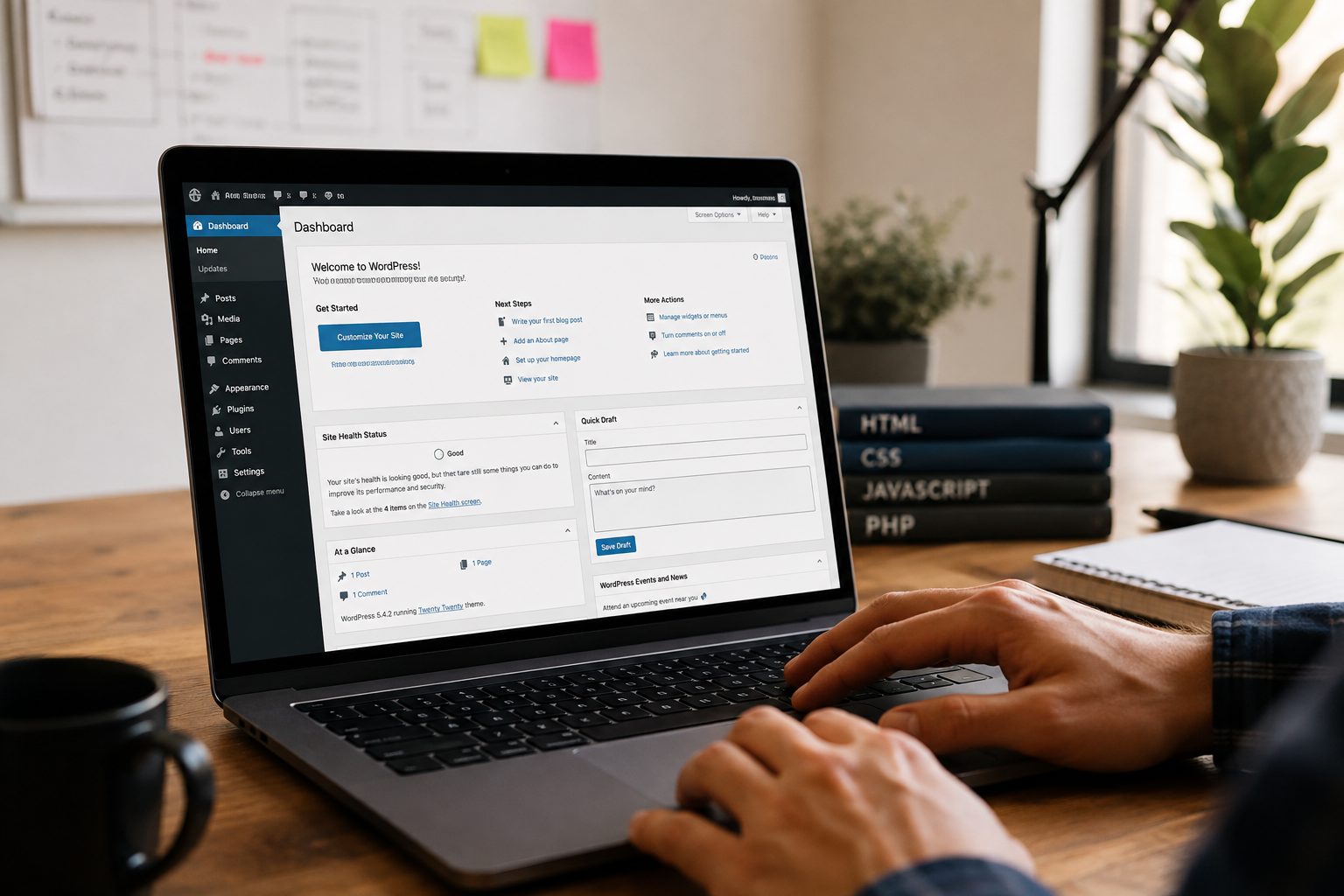
Start by logging in to your WordPress dashboard and navigating to Pages → Add New. Create a new page and name it “Home” (or something similar).
If you already have a suitable page created, you can use that instead. Add basic content, such as a short welcome message or placeholder text, and click Publish.
Step 2: Set the Page as Your Static Front Page
By default, WordPress shows your latest blog posts on the home page. To create a static front page:
- Go to Settings → Reading.
- Under Your homepage displays, select A static page.
- Choose your new “Home” page from the dropdown list.
- Save changes.
Now, your custom page will appear as the main home page instead of your blog feed.
Step 3: Design the Home Page Using the Block Editor or a Page Builder
You can design your home page using WordPress’s built-in Block Editor (Gutenberg) or a third-party page builder such as Elementor, Divi, or Beaver Builder.
The Block Editor allows you to add sections like headings, images, buttons, and columns. If you use a page builder, you’ll have more design flexibility, including drag-and-drop layouts and pre-designed templates.
Keep your design clean, simple, and consistent with your brand colours and typography.
Step 4: Add Key Elements to Your Home Page

An effective home page includes:
- A clear headline that tells visitors what your business offers.
- A short introduction or mission statement.
- High-quality images that reflect your brand.
- Navigation links or buttons to guide visitors.
- A call to action (CTA), such as “Contact us” or “View services.”
- Social proof, such as testimonials or partner logos.
Focus on clarity and user experience. Each section should lead visitors closer to taking action.
Step 5: Optimise Your Home Page for SEO
To help search engines understand your home page, follow these SEO basics:
- Include your main keyword (“how to create home page in WordPress”) naturally in your title and headings.
- Add meta descriptions and alt text for images.
- Use internal links to other pages on your site.
- Keep URLs short and descriptive.
- Test page speed and mobile responsiveness.
You can use an SEO plugin such as Rank Math or Yoast SEO to manage these elements easily.
Step 6: Preview and Publish Your Home Page
Before publishing, use the Preview option to check how your home page looks on desktop, tablet, and mobile devices.
Once you’re happy with the layout and content, click Publish. View your website to confirm everything looks as expected and test your navigation links to make sure they work correctly.
Common Mistakes to Avoid When Creating a Home Page in WordPress
- Overloading the page with too much text or cluttered visuals
- Using low-quality images or inconsistent colours
- Forgetting to include a clear call to action
- Skipping mobile testing
- Ignoring SEO basics such as titles and meta descriptions
Avoiding these mistakes helps ensure your home page makes a strong impression and converts visitors effectively.
Tips for a High-Converting Home Page
- Keep your headline short and focused on your value proposition.
- Use a simple menu structure with clear navigation.
- Highlight your top services or selling points above the fold.
- Add customer reviews or trust badges for credibility.
- Make your main call to action stand out visually.
A great home page not only looks good but also drives visitors to take action.
If you’d like professional help with building or maintaining your home page, get started with Fly High Web today and make sure your website looks and performs its best.