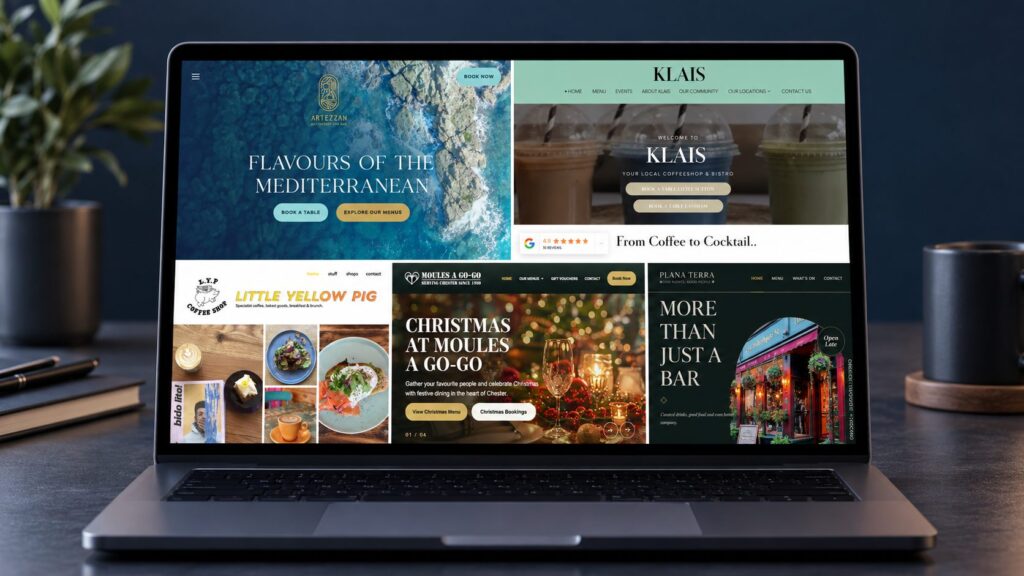
You’ve likely come across hundreds of WordPress themes, each claiming to be “the perfect one.” But picking the right one can feel confusing, especially if you’re not a designer or developer.
The theme you choose isn’t just about looks. It affects how quickly your website loads, how easily visitors can use it, and whether it genuinely represents your business or personal brand.
Here’s how to choose a theme that fits your needs without the guesswork.
What Makes a Good WordPress Theme
A well-built theme does more than look nice. It uses clean, lightweight code that keeps your site running smoothly.
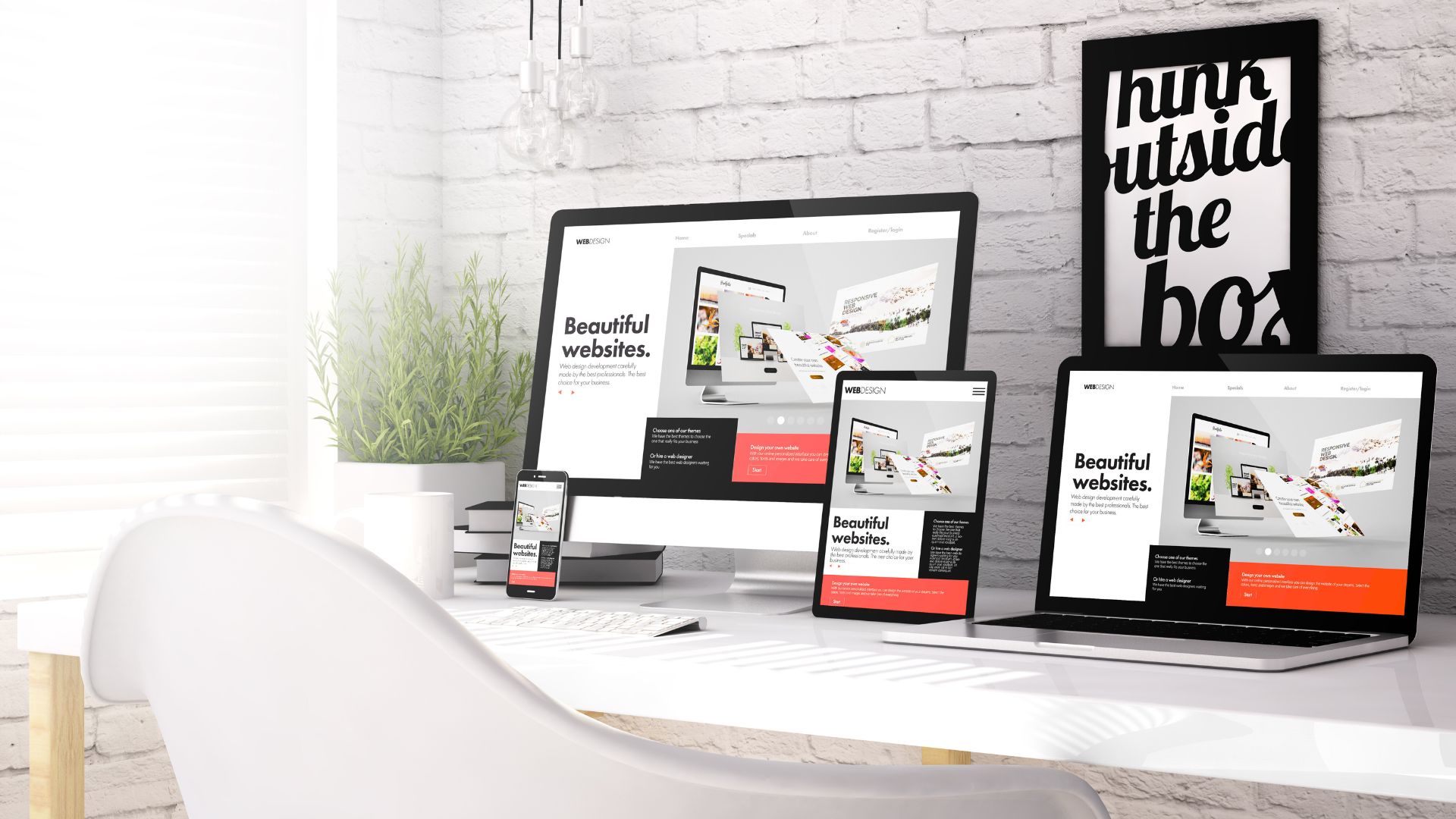
Speed is key visitors expect fast-loading pages, and Google does too. Accessibility matters as well, so your content should be usable by everyone, including those with impairments. And with most traffic coming from mobile devices, responsive design is non-negotiable.
Good themes also stay current with WordPress core updates, follow SEO-friendly structures, and avoid trying to do too much. Themes that bundle every feature imaginable often end up dragging your site down.
Identifying Your Site’s Purpose and Audience
Before selecting a theme, think about what your site needs to achieve. Is it a portfolio, an online shop, a blog, or a place for customers to book services?
If you’re a local business owner, for example, your visitors likely need quick access to contact details, opening hours, or booking buttons. If you’re a freelancer, your website may need to highlight recent projects or testimonials.
The clearer your site’s purpose, the easier it is to filter themes. For lead generation, look for strong call-to-action placements. For portfolios, prioritise design elements that help you showcase work visually.
Key Features to Look for in a Theme

- Responsive design that works across devices
- Built-in SEO structure or support for plugins like Yoast
- Drag-and-drop builder support (Elementor, Gutenberg, etc.)
- Regular updates and developer maintenance
- Fast-loading, efficient code
- Easy visual customisation no need to edit code
- Compatibility with major plugins (e.g., WooCommerce, WPForms)
- Accessibility considerations baked in
When browsing themes, avoid vague marketing language. Reliable themes list their features clearly and demonstrate them through live demos.
Performance and Responsiveness Considerations
Themes influence site speed more than you might expect. A bulky theme, even on a good host, can slow things down and affect your SEO.
Use free tools like GTmetrix or Google PageSpeed Insights to test demo sites. Be cautious with themes that include heavy animations, sliders, or auto-playing videos they may look slick, but often delay load times.
If performance is critical to your business especially for ecommerce or SEO-focused sites it’s worth prioritising a lightweight, speed-optimised theme.
Customisation Options and Design Flexibility

Not everyone wants to (or should) touch code. If you’re a consultant or small business owner, you’ll likely want to adjust layouts, colours, and fonts easily.
Themes that support Gutenberg or popular builders like Elementor let you make those changes visually. Some also come with starter templates great if you want a polished layout quickly without starting from scratch.
Still, make sure those templates suit your branding. Don’t choose a corporate look if your business is more creative or personal.
Compatibility with Plugins and Updates
Themes that haven’t been updated in a while can cause problems, especially after a major WordPress release. Always check when the theme was last maintained.
If you rely on specific plugins (e.g. WooCommerce, WPForms, or SEO tools), confirm the theme supports them. The last thing you want is a new layout breaking your contact forms or shop.
You can usually find plugin compatibility information on the theme’s listing page or changelog.
Support, Reviews and Developer Reputation
Even a great-looking theme can cause problems behind the scenes. That’s why reviews and support options matter.
Look for themes backed by active support forums, documentation, or developer help desks. A good sign is when other users report quick fixes or developer responsiveness.
Some trusted theme creators also offer other well-reviewed products this can give you confidence that they’re reliable and experienced. If managing all this sounds too technical or time-consuming, a WordPress maintenance provider can handle updates and theme issues for you.
Free vs Premium Themes: Pros and Cons
If your website is a simple blog or a personal project, a free theme from WordPress.org can work well. These are reviewed for quality and security, but often come with fewer design options and minimal support.
For business websites especially if you need a professional appearance and advanced features a premium theme is usually a better choice. These often include regular updates, priority support, and built-in design templates that help you stand out.
If budget is a concern, starting free is fine. But if your site helps generate leads or sales, an affordable premium option is usually a worthwhile investment.
Testing Themes Safely with a Staging Site

Avoid switching themes directly on your live site that can cause formatting issues, broken layouts, or plugin conflicts.
Instead, test new themes on a staging version of your website. Some hosts offer this as a built-in feature. You can also use a plugin like WP Staging. This lets you safely see how the new theme behaves before going live.
Pay attention to things like missing menus, layout issues, or mismatched brand colours during testing.
Professional Help for Theme Selection
Choosing a theme doesn’t have to be a solo job. Fly High Web offers hands-on support to help you select and set up a theme that fits both your brand and goals. Our team understands how technical setups and visual identity work together and we’re here to make sure nothing gets overlooked.
This kind of support is especially useful for small business owners who don’t want to worry about compatibility, branding, or setup. Sometimes a quick consultation saves hours of frustration.
The best theme for your site is one that balances speed, clarity, design, and usability all without needing you to become a web developer.
If you’re unsure or if your website helps drive leads or revenue it’s a smart move to get expert input. Fly High Web helps businesses like yours choose themes that are fast, functional, and future-proof. A quick chat with our team could save you hours of hassle and help your website do more, with less stress.

Jess Simpson is an SEO Executive at Fly High Web, specialising in search engine optimisation, content strategy and social media marketing. She has hands-on experience in technical SEO audits, keyword research, content development and managing social media content across platforms such as Instagram and LinkedIn. Using industry tools including Ahrefs, Google Analytics 4 and Google Search Console, Jess helps businesses improve their organic visibility, strengthen their online presence and connect with their target audience.