A website can attract a healthy volume of traffic and still struggle to turn visitors into enquiries or sales. Conversions are shaped by how people experience your site as they move through it, and even small points of friction can break that flow. Identifying the most common blockers allows you to remove hesitation and create a clearer, more reassuring experience for users.
Slow Loading Pages

Slow loading remains one of the strongest reasons visitors leave without taking action. When someone clicks through to a page, they expect it to load almost immediately. Even brief delays introduce doubt, often sending users back to search results or causing them to abandon the visit entirely.
Large images, inefficient scripts, outdated plugins and overstretched hosting all contribute to slower pages. These issues tend to build up gradually as sites grow. A page that once felt responsive can become noticeably slower over time, especially when new content or tools are added without performance checks.
Slower pages can affect visibility too, as search engines favour sites that load efficiently. More importantly, real users lose confidence when a site feels sluggish. Ongoing WordPress support helps keep performance in check and prevents small issues from becoming conversion barriers. Improving speed strengthens first impressions and gives visitors the confidence to stay and explore.
Confusing Navigation and Layout
Visitors rely on structure to guide them through your site. When navigation feels cluttered, labels are unclear, or key links are placed unexpectedly, users quickly lose their sense of direction. Once that happens, moving them towards a conversion becomes far more difficult.
A layout that lacks clarity often leads to aimless scrolling or repeated clicks as visitors search for reassurance. Even one moment of confusion, such as a hidden contact option or an unclear service page, can interrupt progress.
Clear navigation builds confidence. When users understand where links lead and how pages relate to each other, the site feels easier to use. That sense of order plays a major role in whether someone feels comfortable taking the next step.
Poor Mobile Experience

A large proportion of users browse on mobile devices. A site that performs well on desktop may still feel awkward on a smaller screen. Text that requires zooming, buttons placed too closely together, or layouts that shift as they load all create frustration.
When users have to work to read content or interact with a page, patience wears thin. Mobile visitors expect pages to feel stable, readable and responsive. When those expectations are not met, trust drops quickly.
A considered mobile experience keeps layouts clean, text readable, and interactions simple. When pages feel natural on a phone, users move through them with far less resistance and are more likely to convert.
Weak Calls to Action
Strong content still fails to convert if calls to action lack clarity. Users need clear direction on what to do next and why it matters. If messaging feels vague or buttons are placed where they are easy to miss, visitors often leave without progressing.
Calls to action that appear too late, blend into the page or lack purpose weaken the impact of the surrounding content. Even a compelling offer can fall flat if the next step is unclear.
Effective calls to action feel timely and relevant. Positioned after clear explanations or supporting details, they guide users naturally and reinforce decision-making. This reassurance helps turn interest into meaningful action.
Technical Issues That Block Conversions
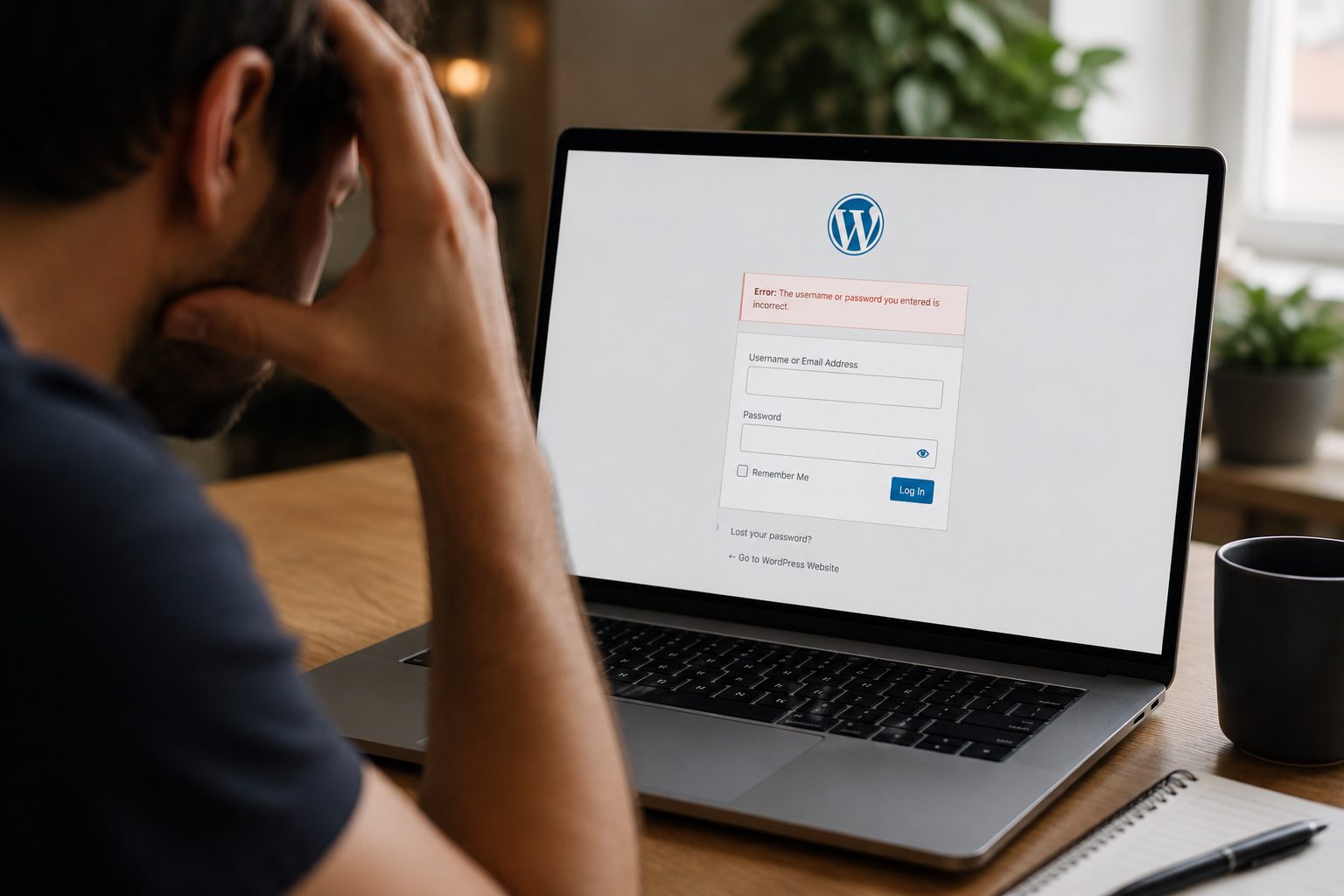
Technical problems often affect conversions quietly. A form that does not submit, a checkout that stalls, or a login that rejects valid details can stop users in their tracks, even when everything else appears fine.
These issues frequently develop over time. Plugin conflicts, theme changes or device-specific script behaviour can all introduce faults that go unnoticed without regular testing. Meanwhile, users abandon the process without explanation.
Testing forms, checkout steps and interactive features regularly helps uncover these problems early. If you are unsure where issues may exist, a free website audit provides a clear overview of weaknesses that may be limiting conversions. Resolving these faults often leads to immediate improvements.
Conclusion
When a WordPress website struggles to convert, the cause is usually linked to performance delays, unclear structure, mobile friction, weak direction or hidden technical faults. By addressing these areas, you create a smoother, more reassuring experience that encourages users to stay engaged and take action with confidence.